


Ergotron Gaming Monitor Mounts – Curved & Ultrawide
40 products
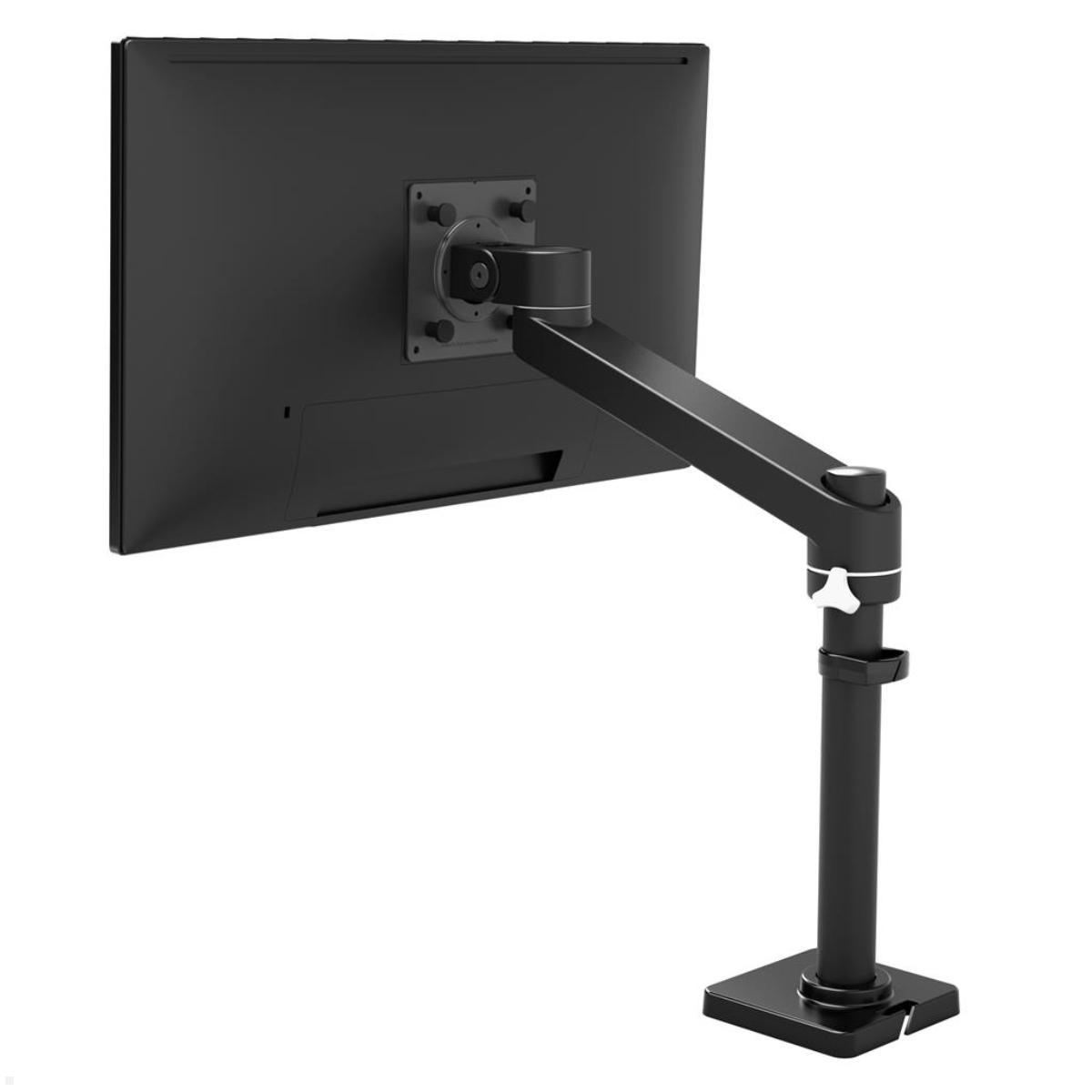
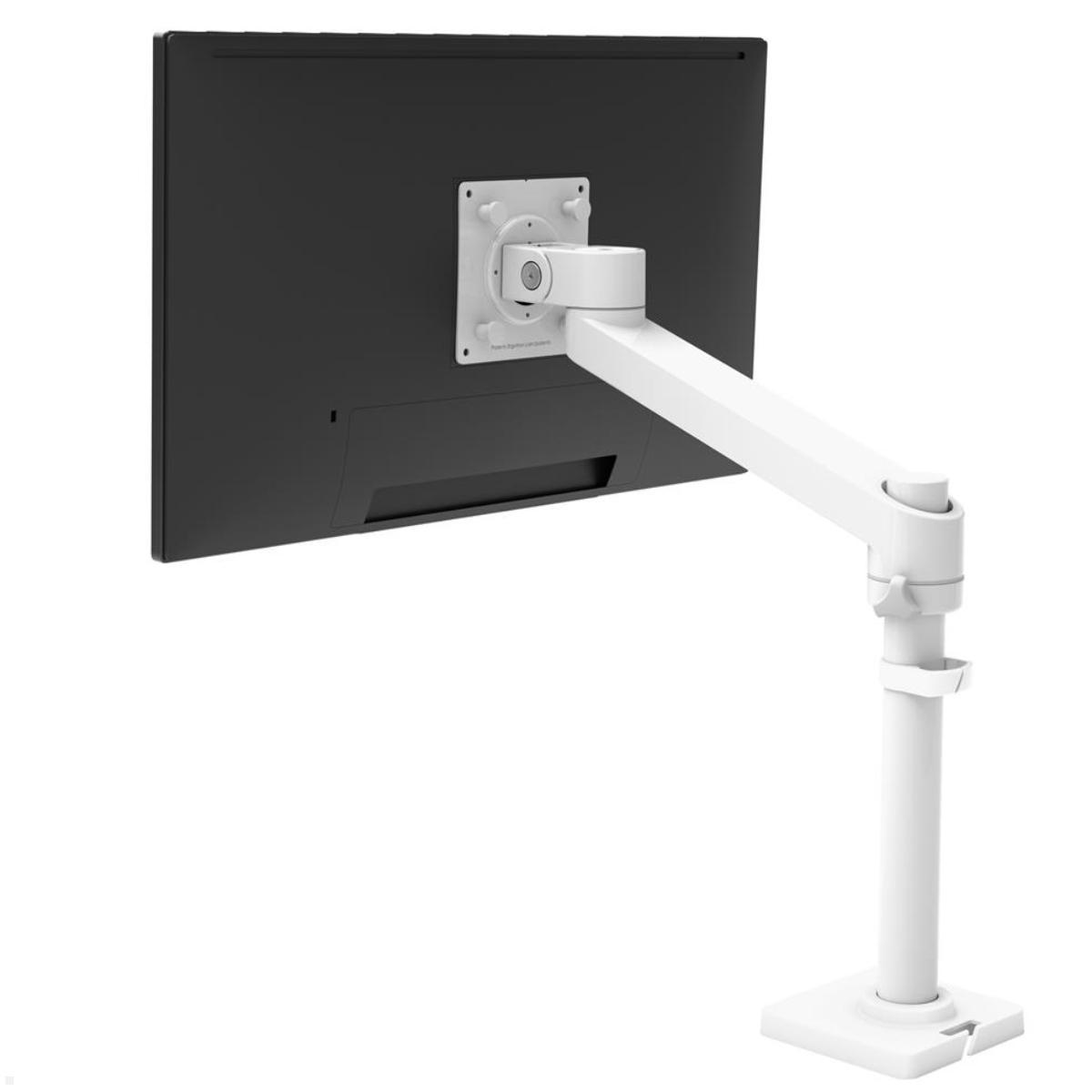
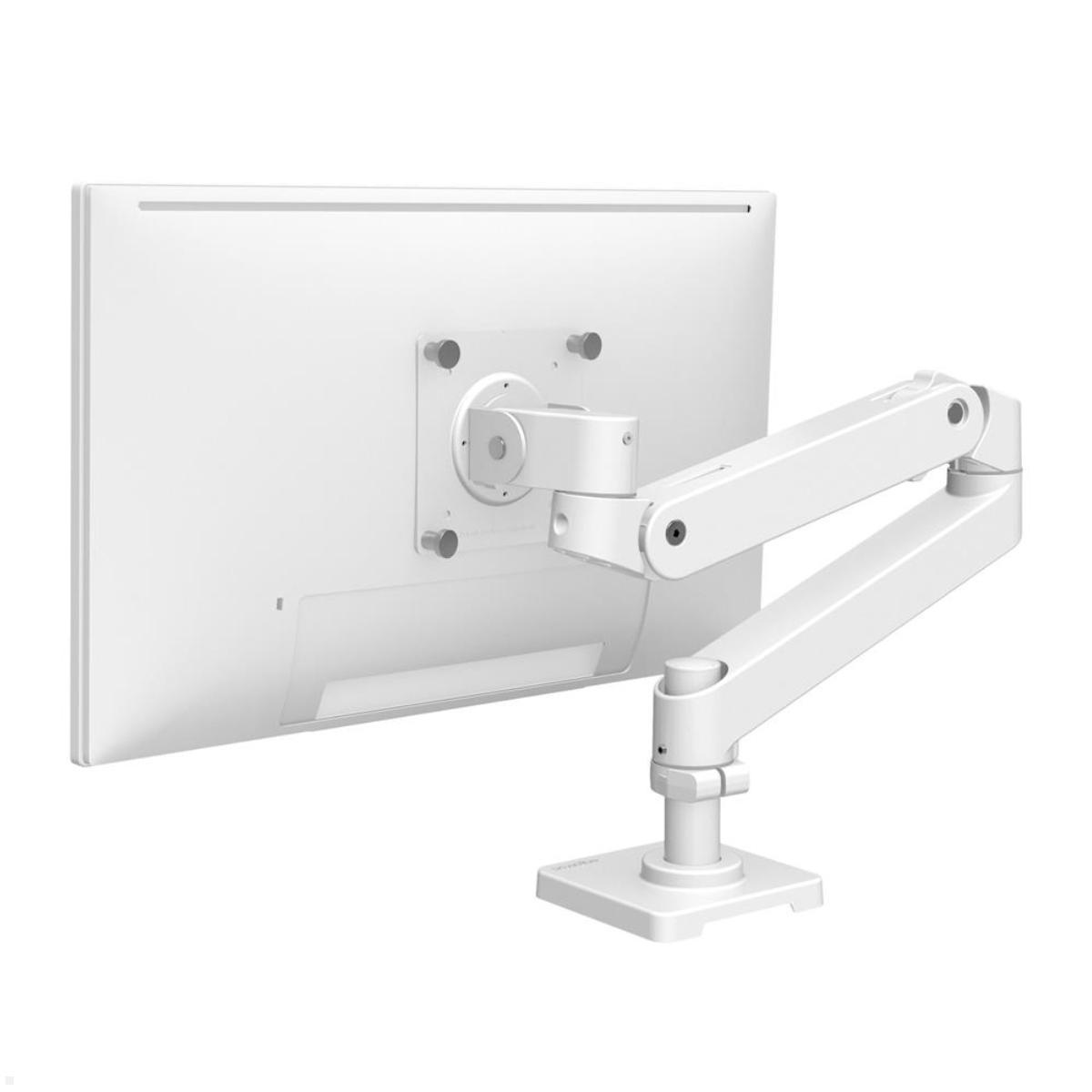
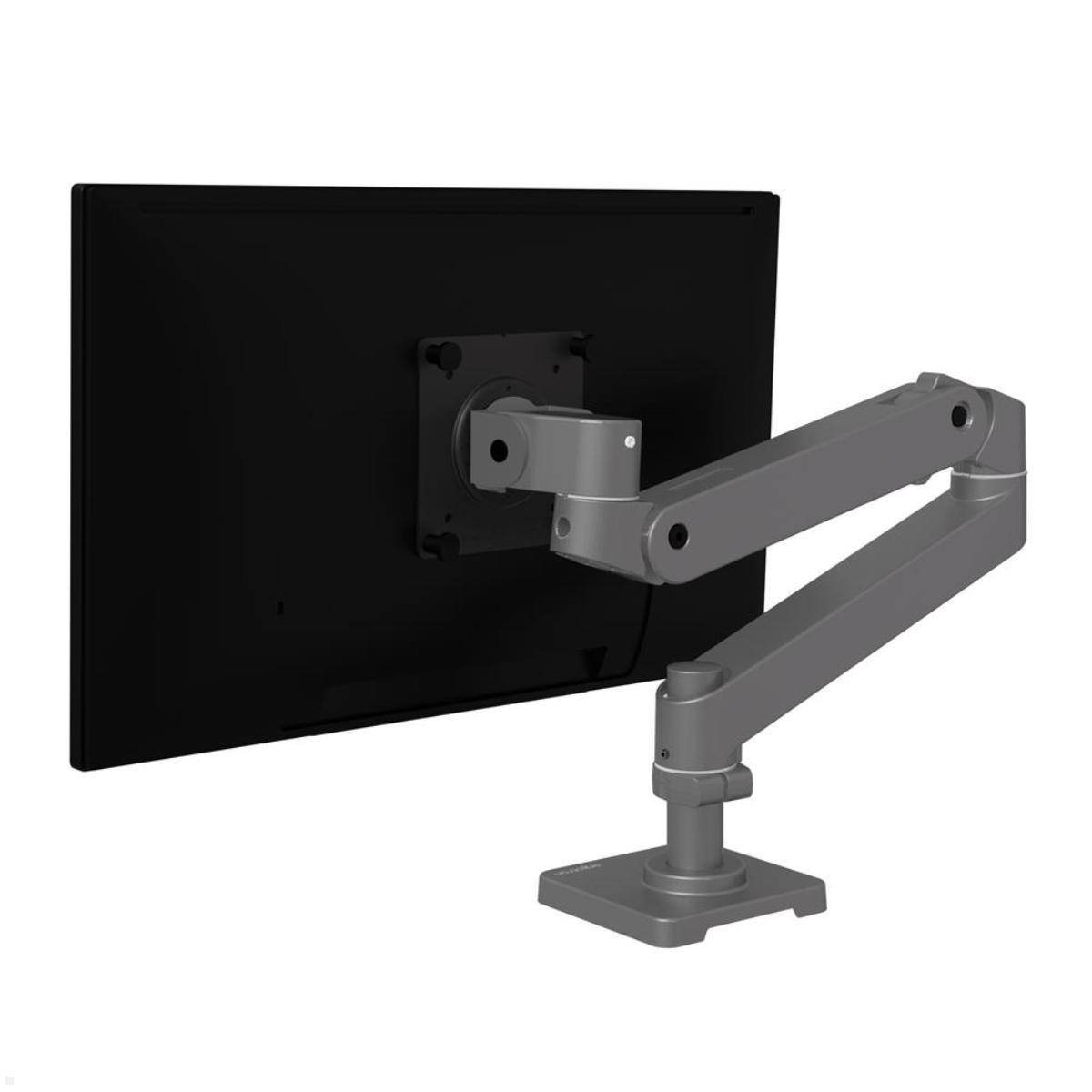
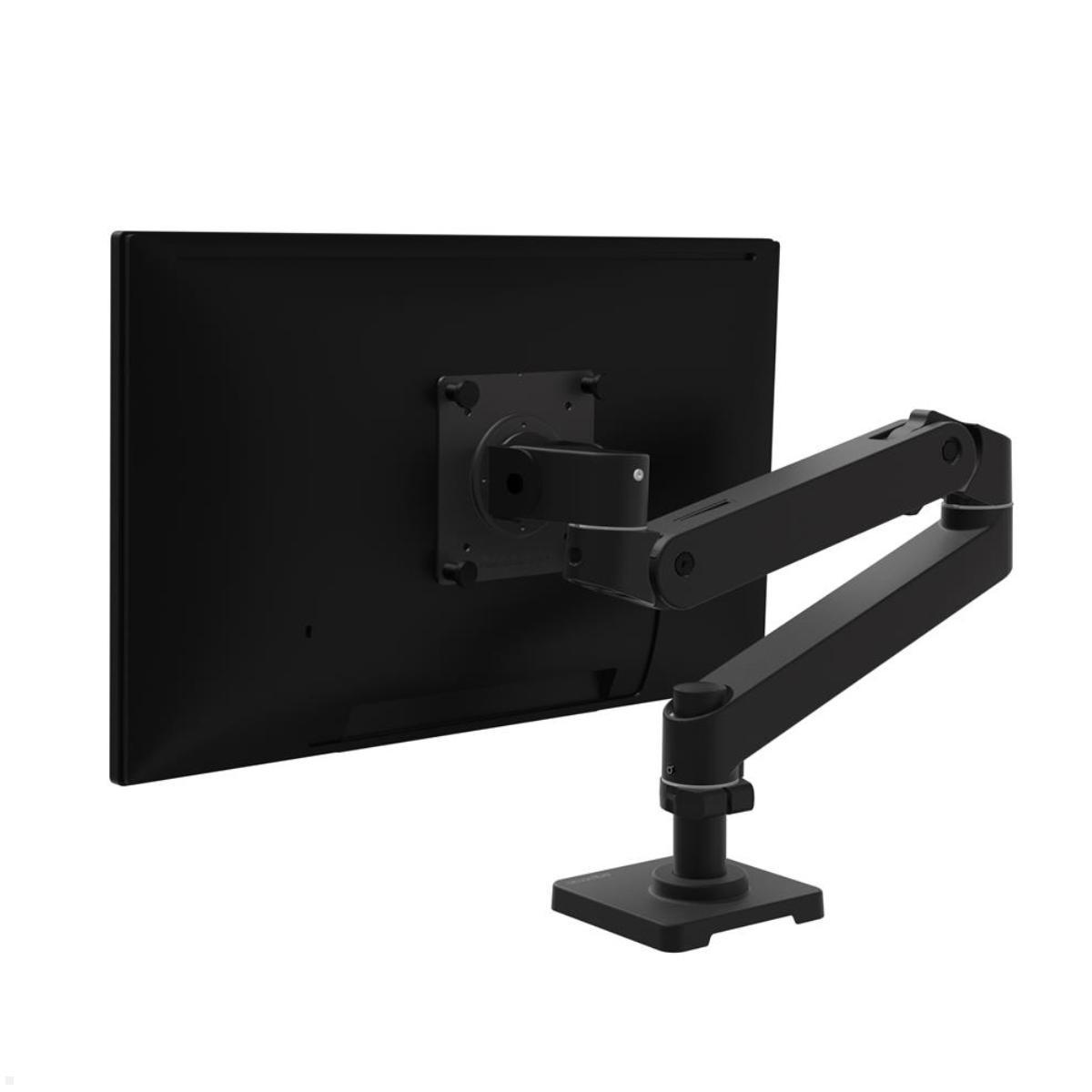


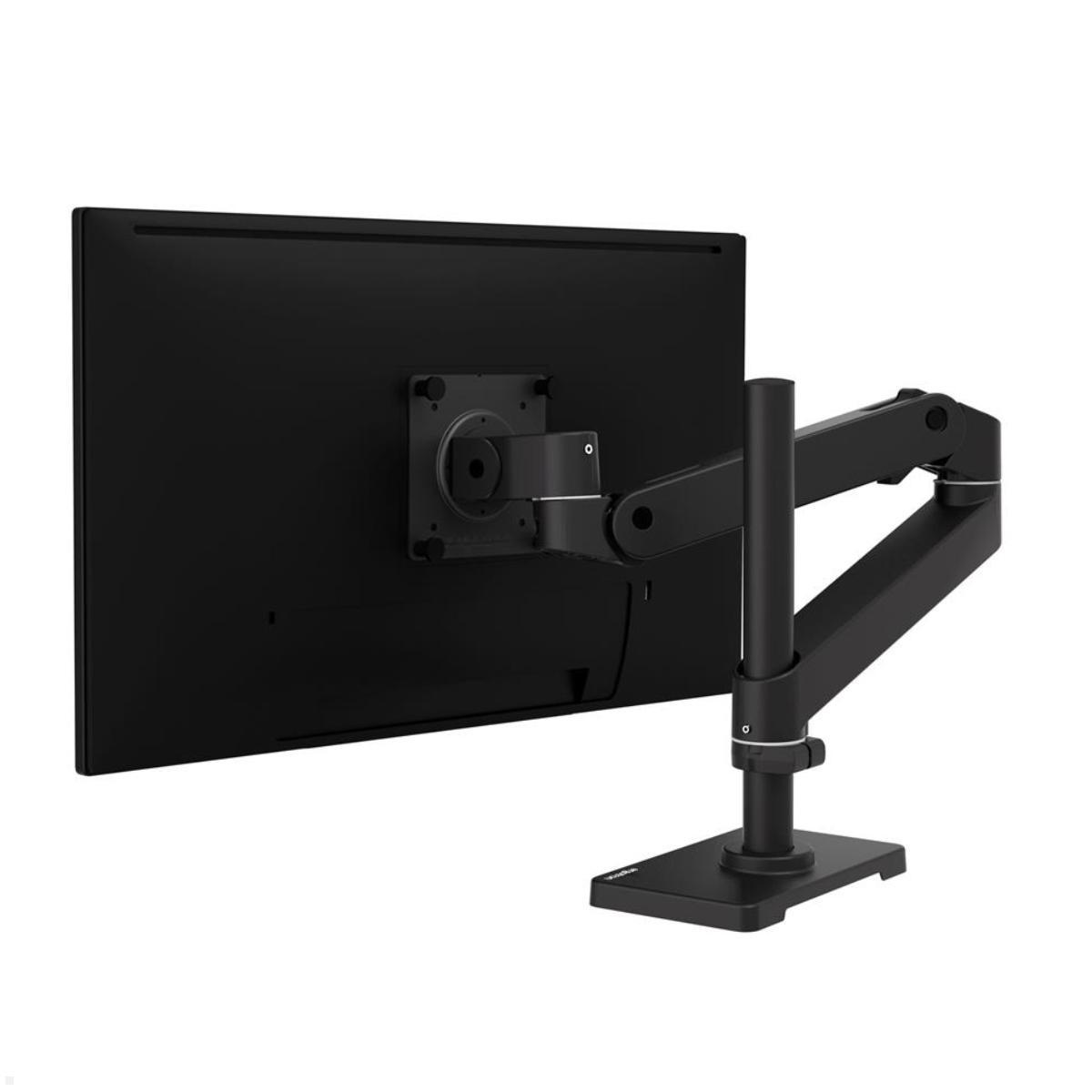
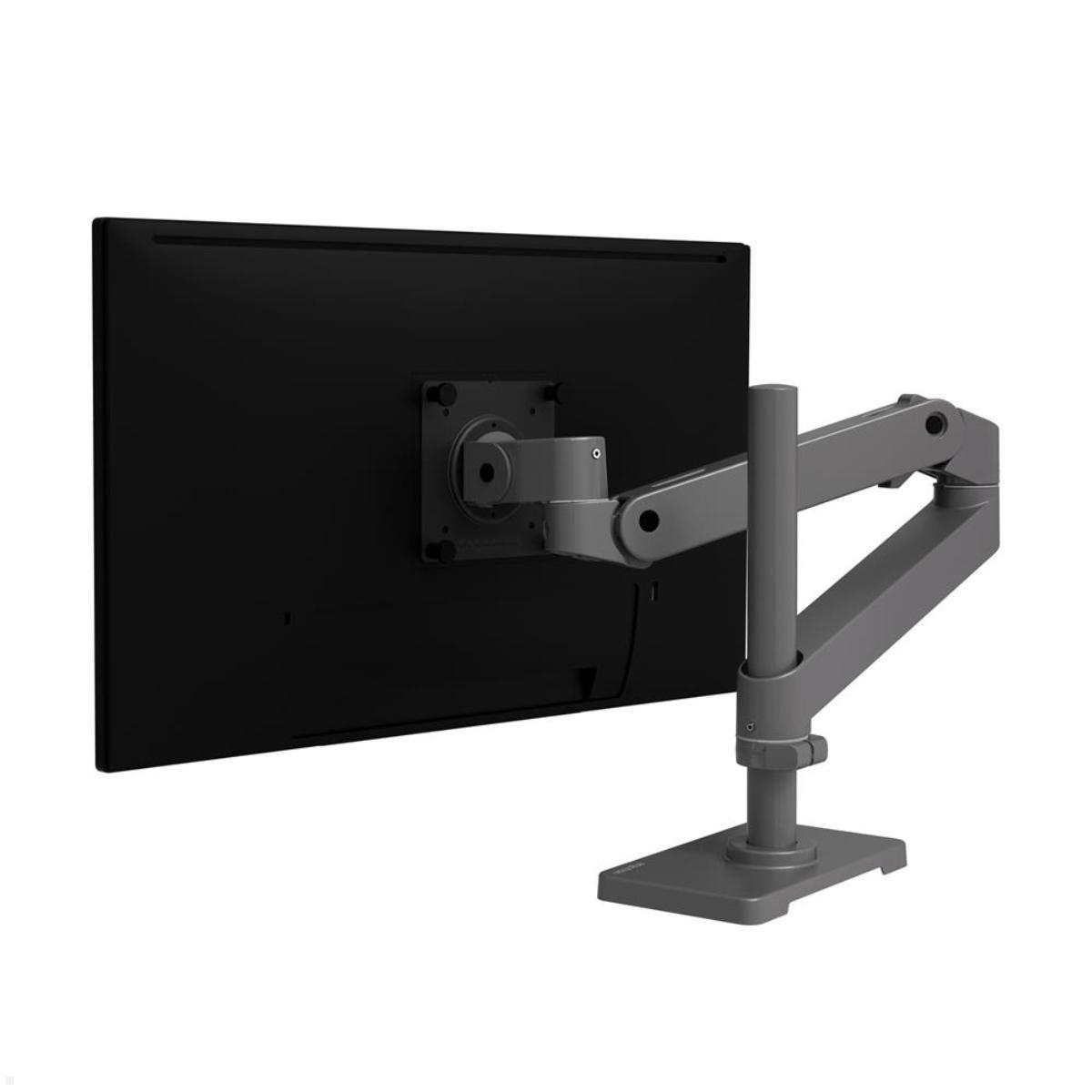
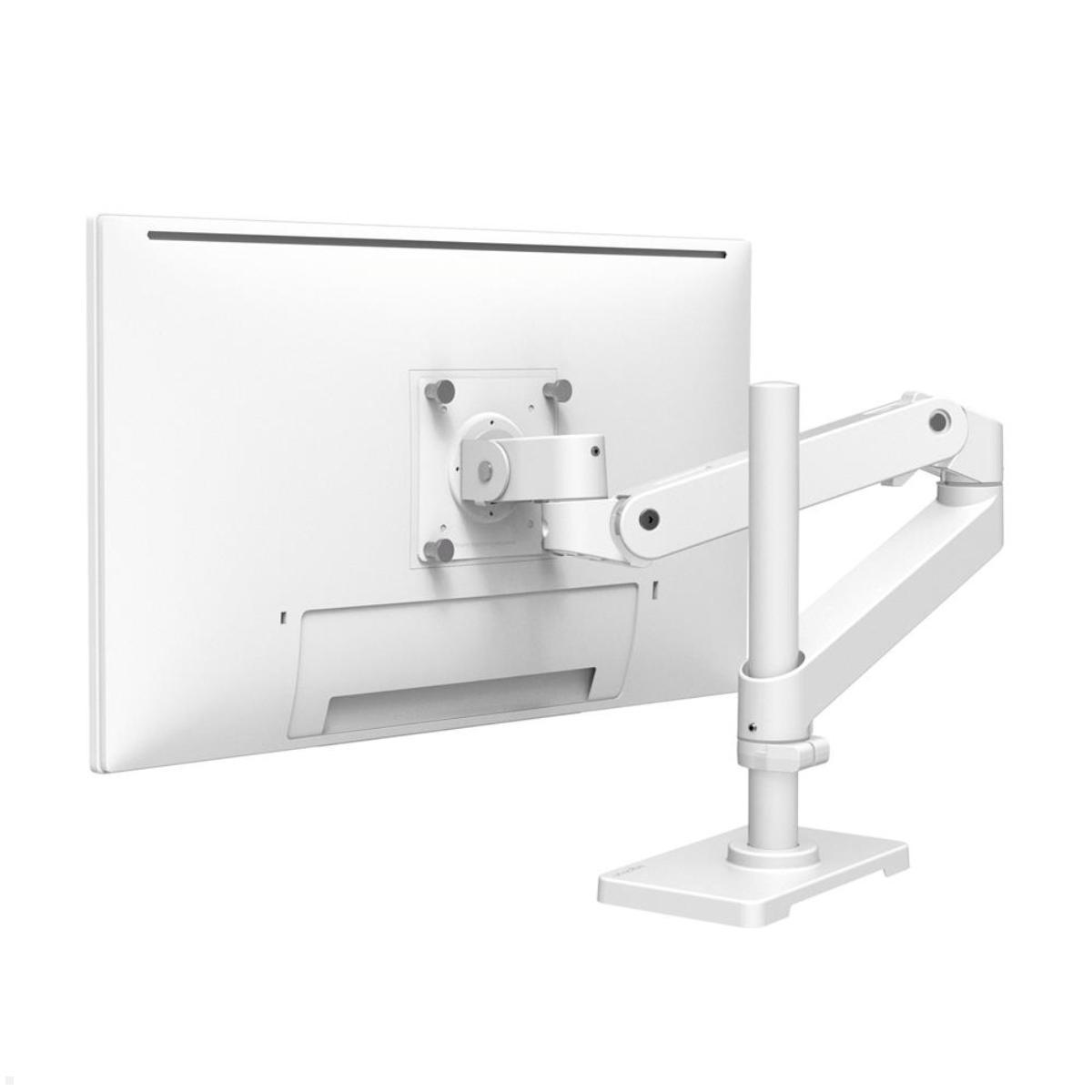

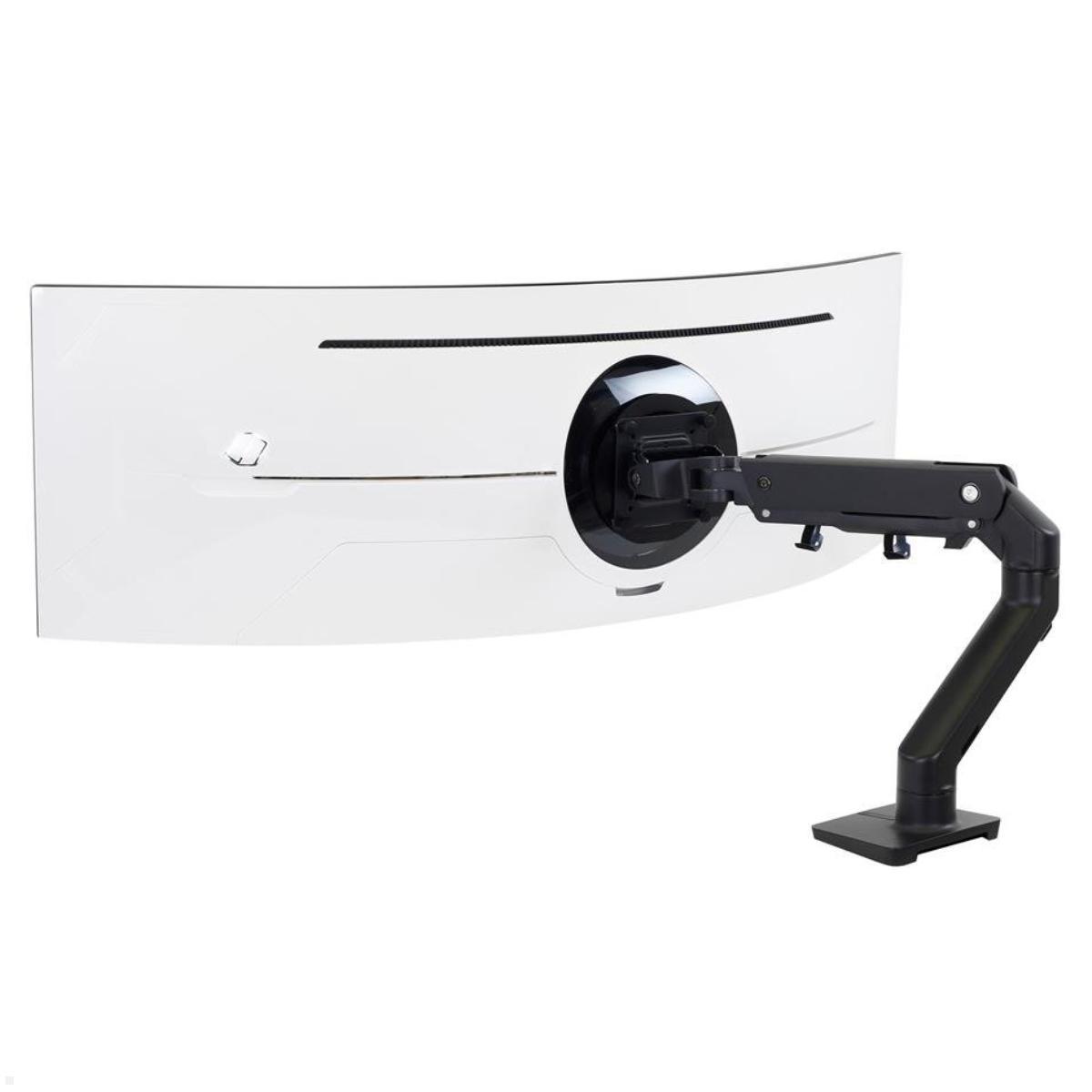
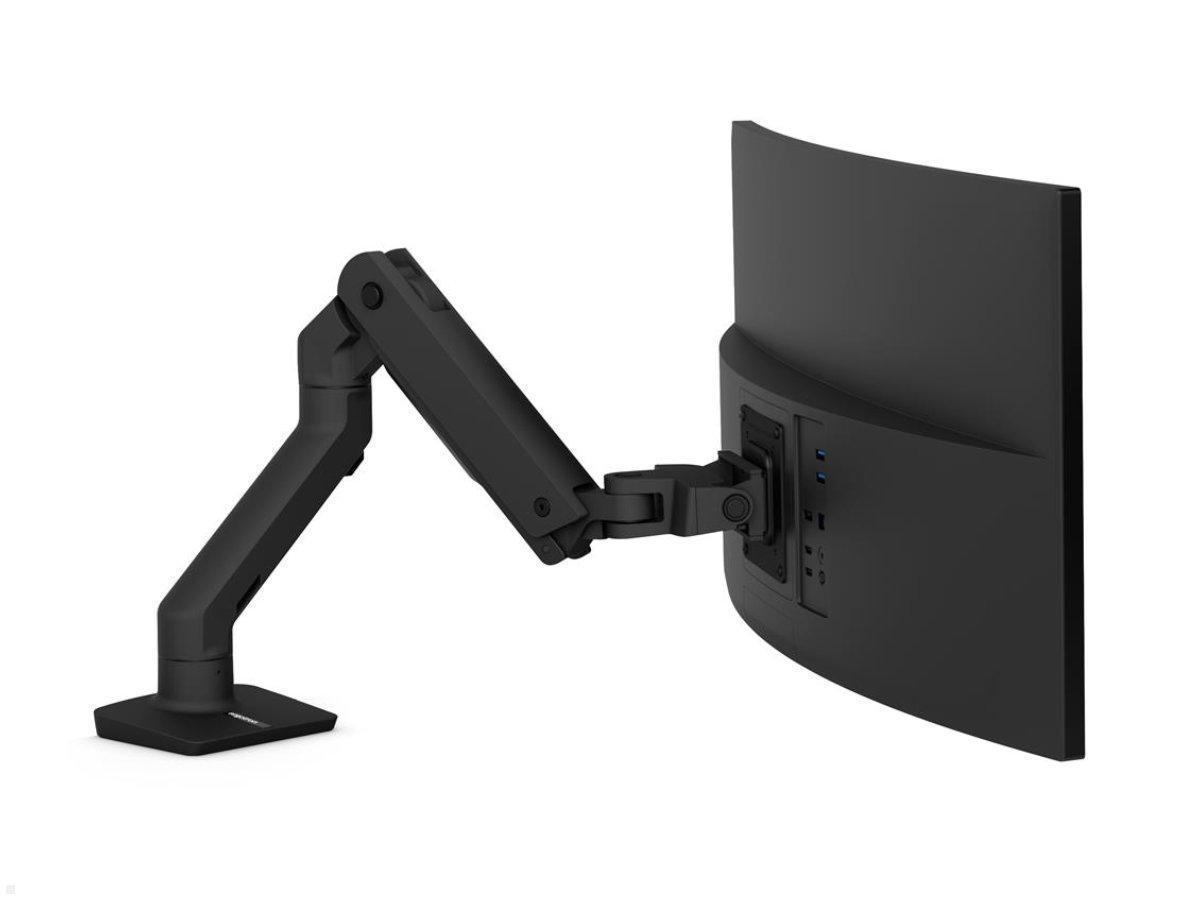
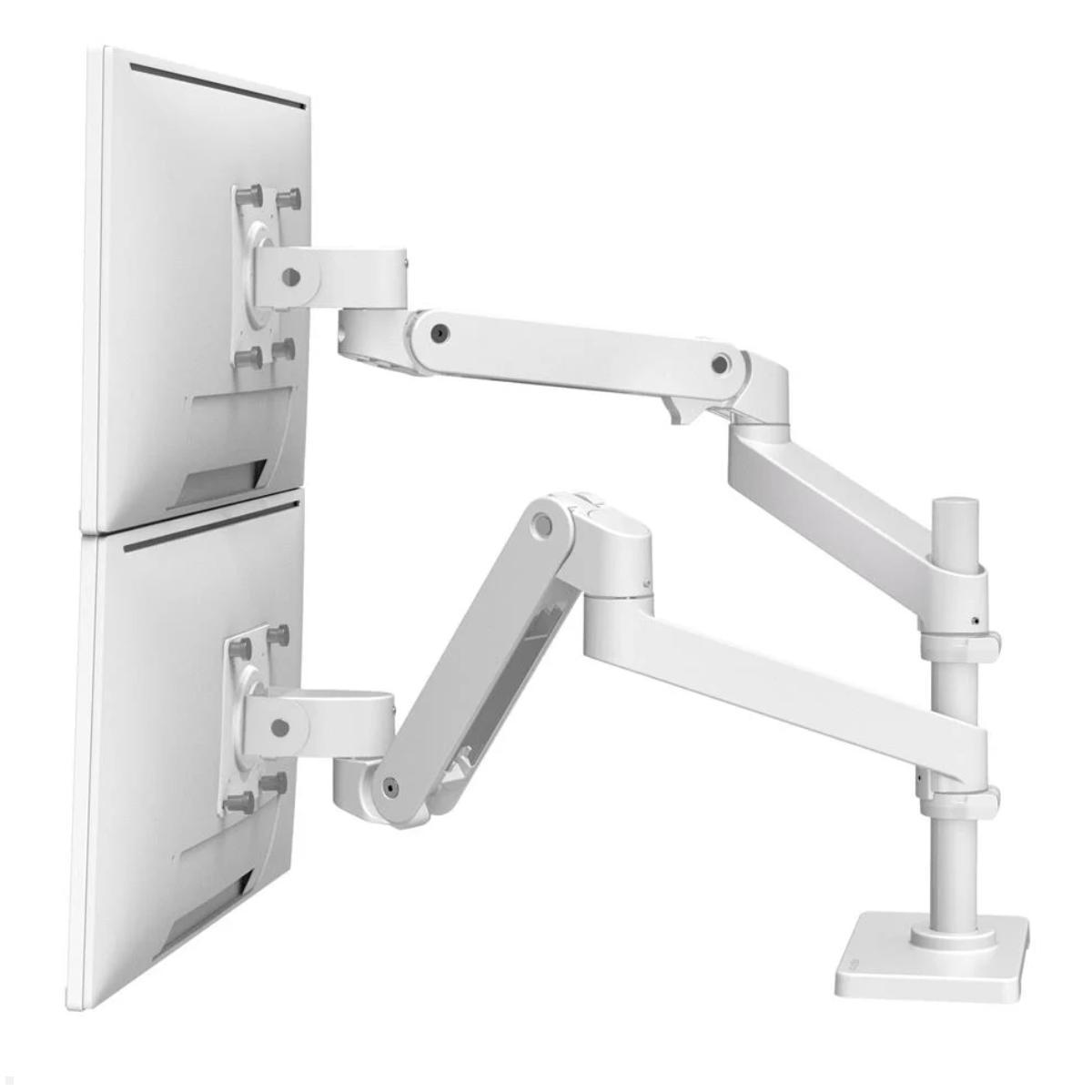
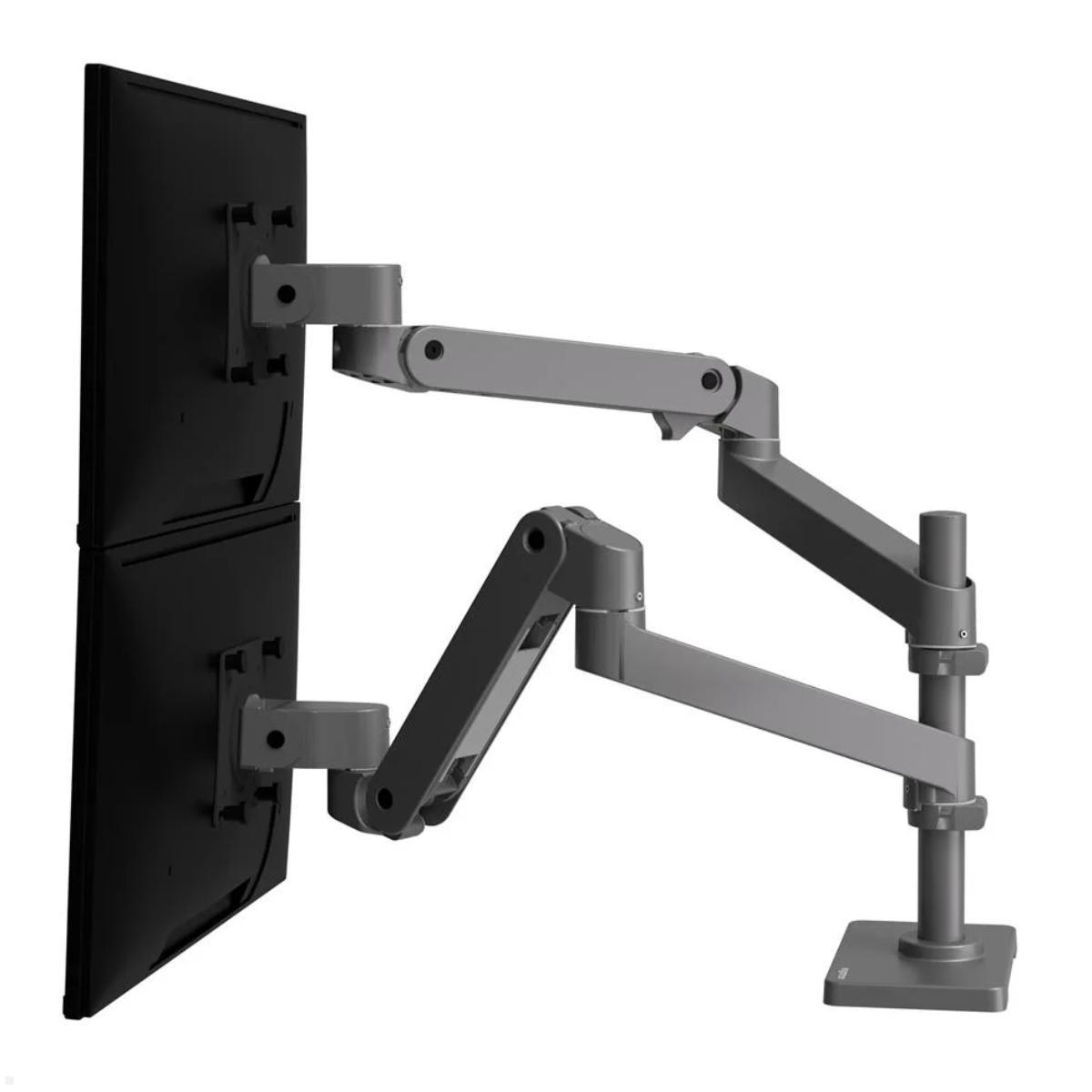
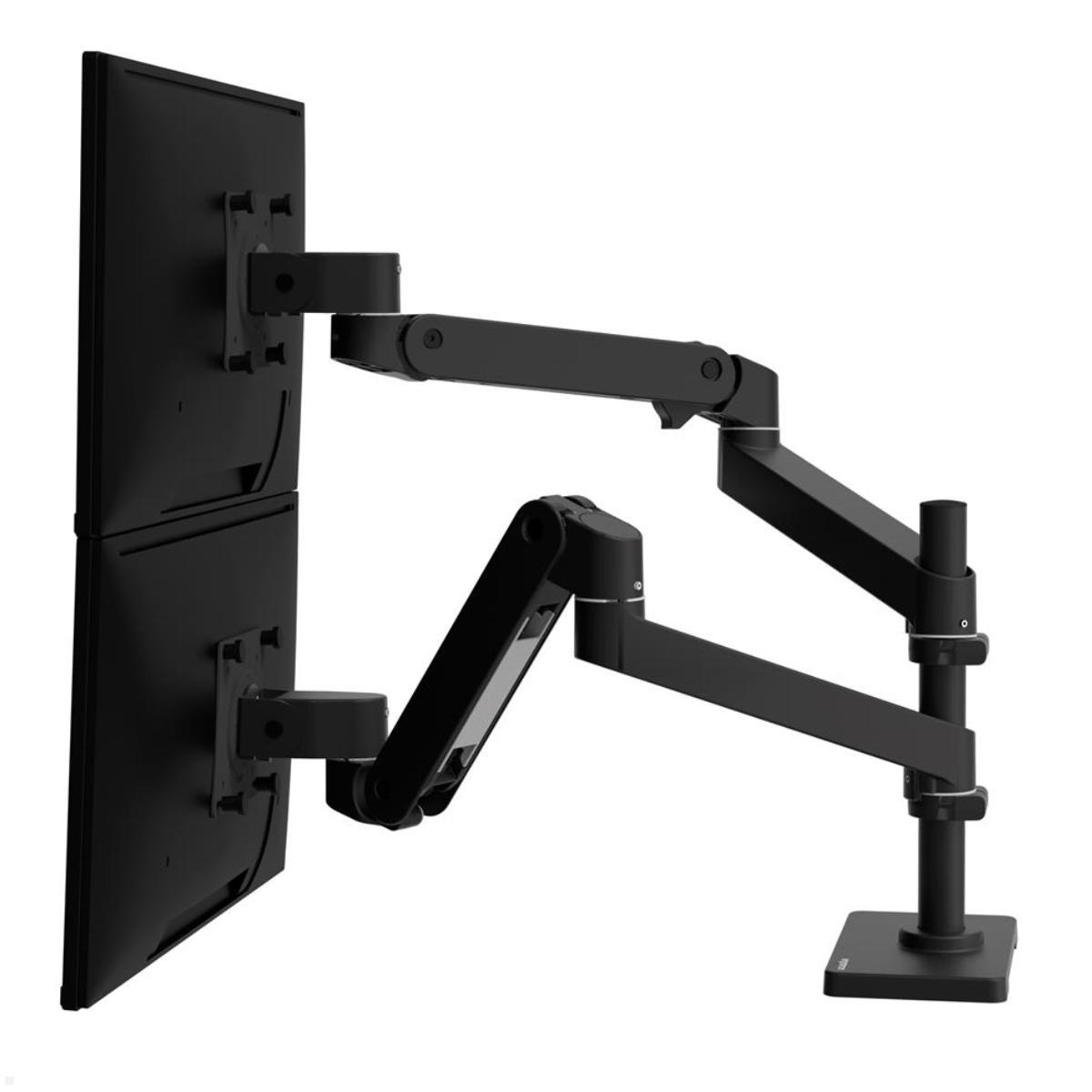
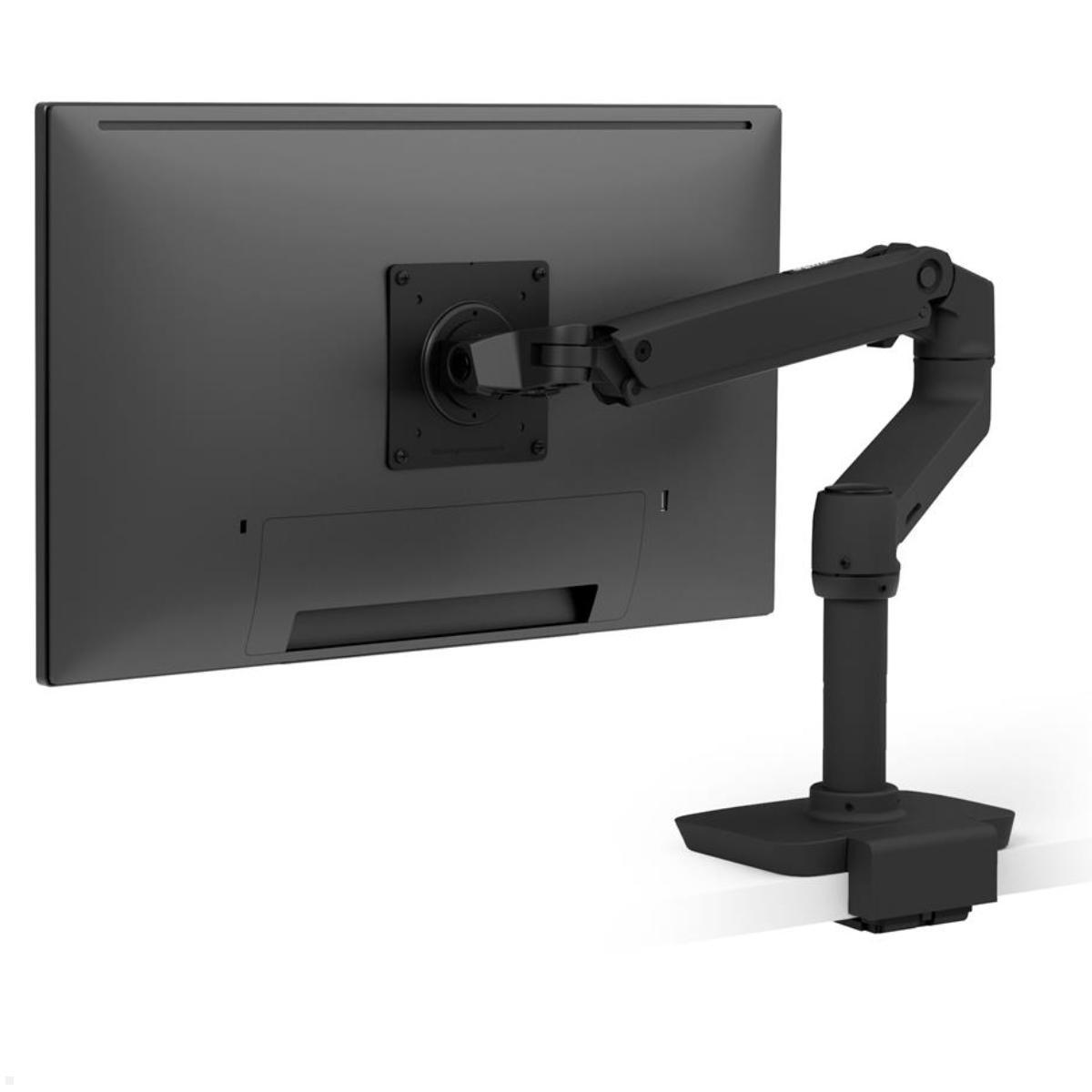
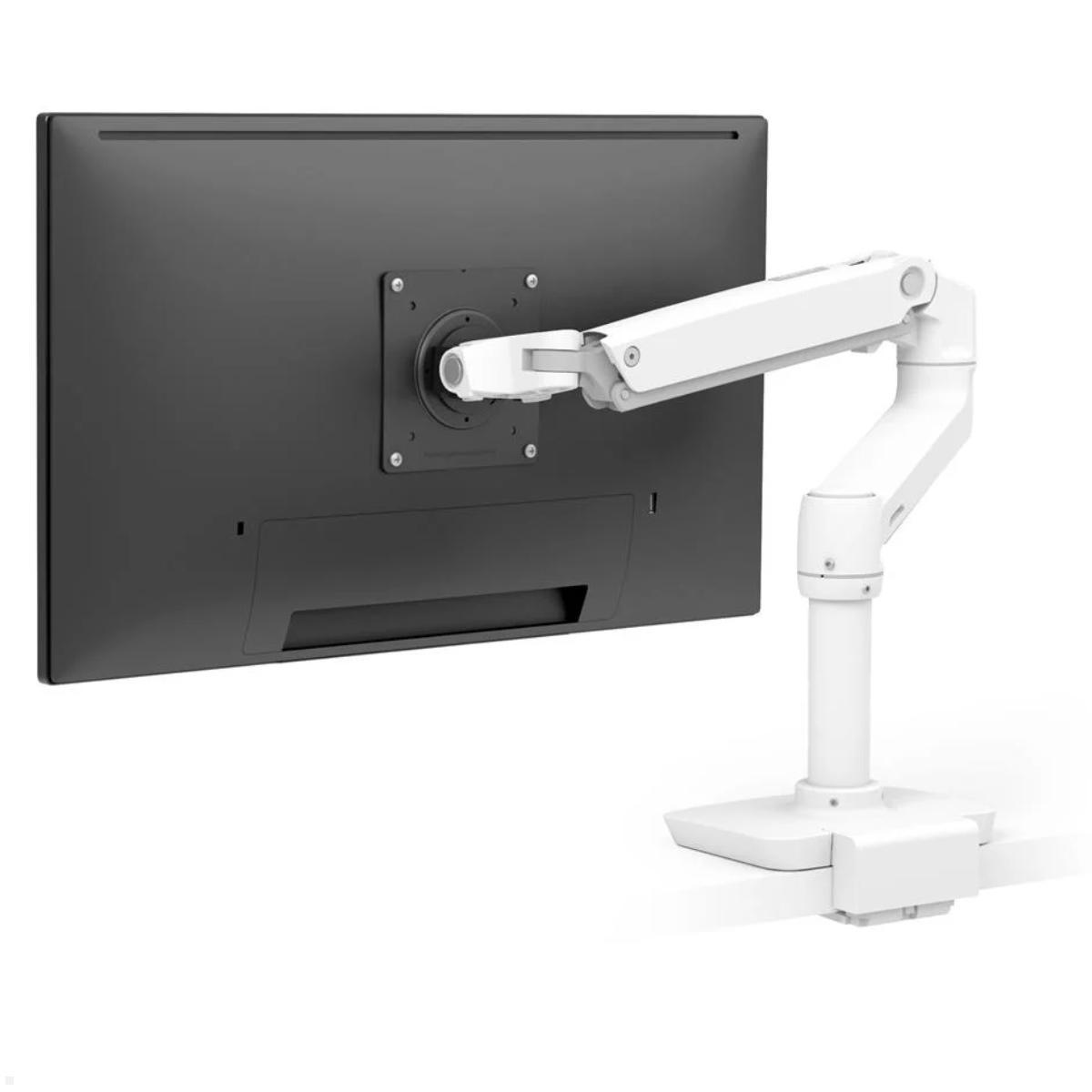
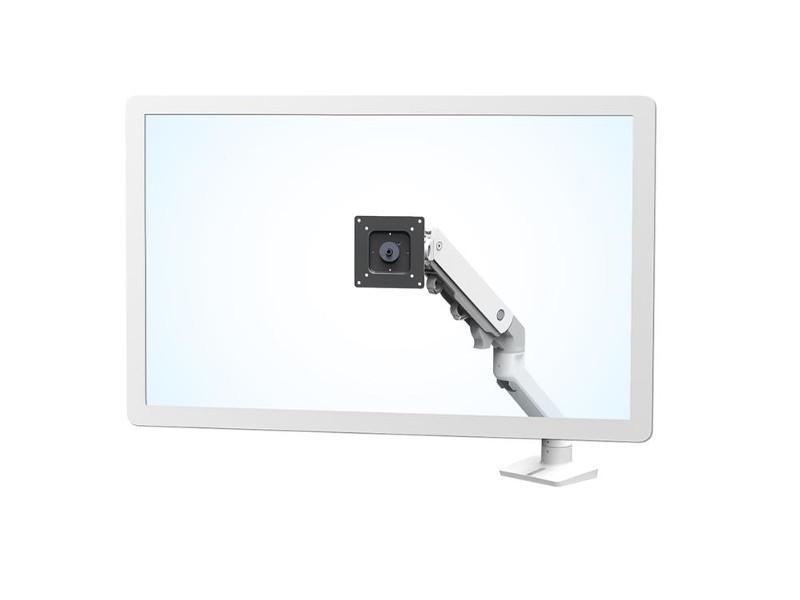
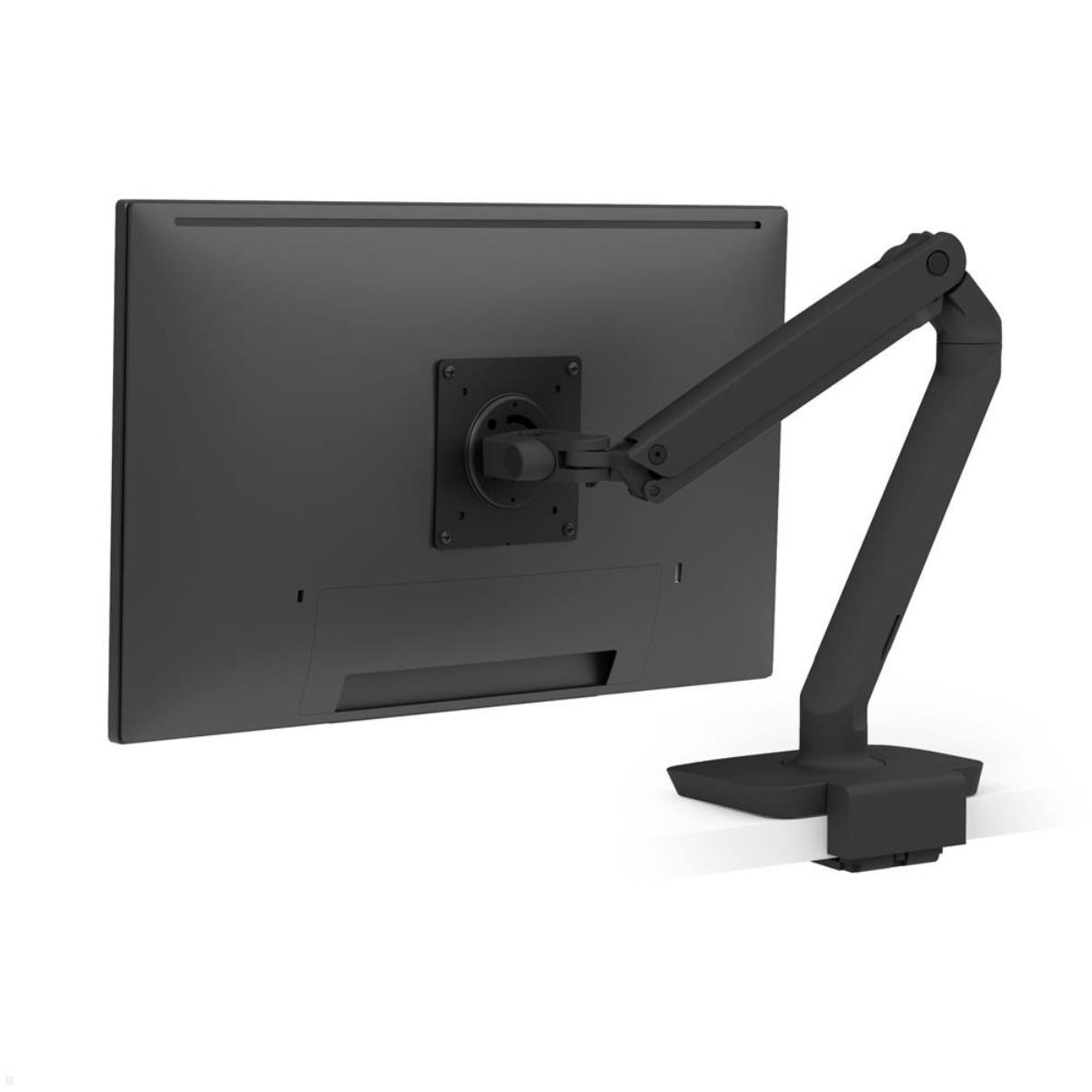
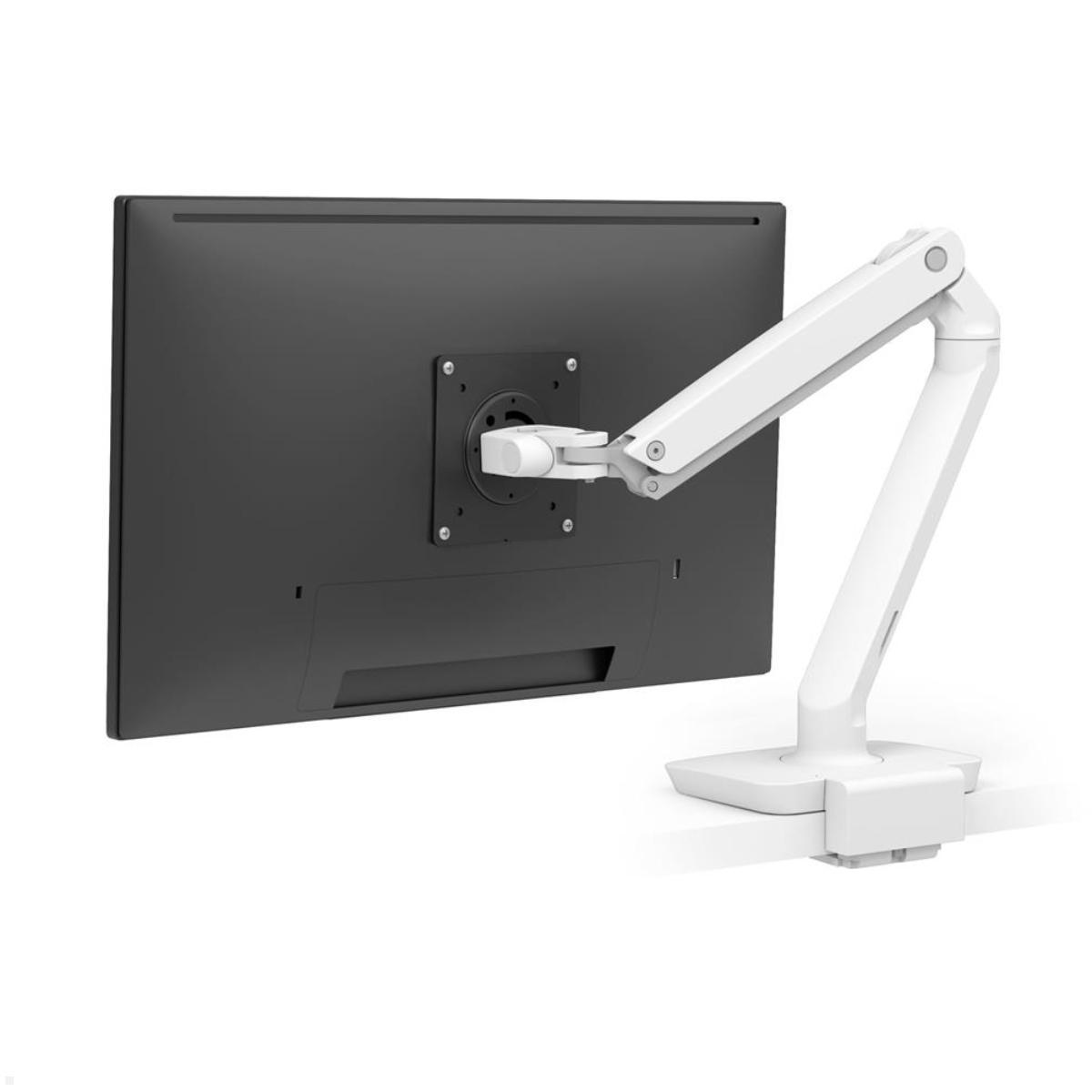
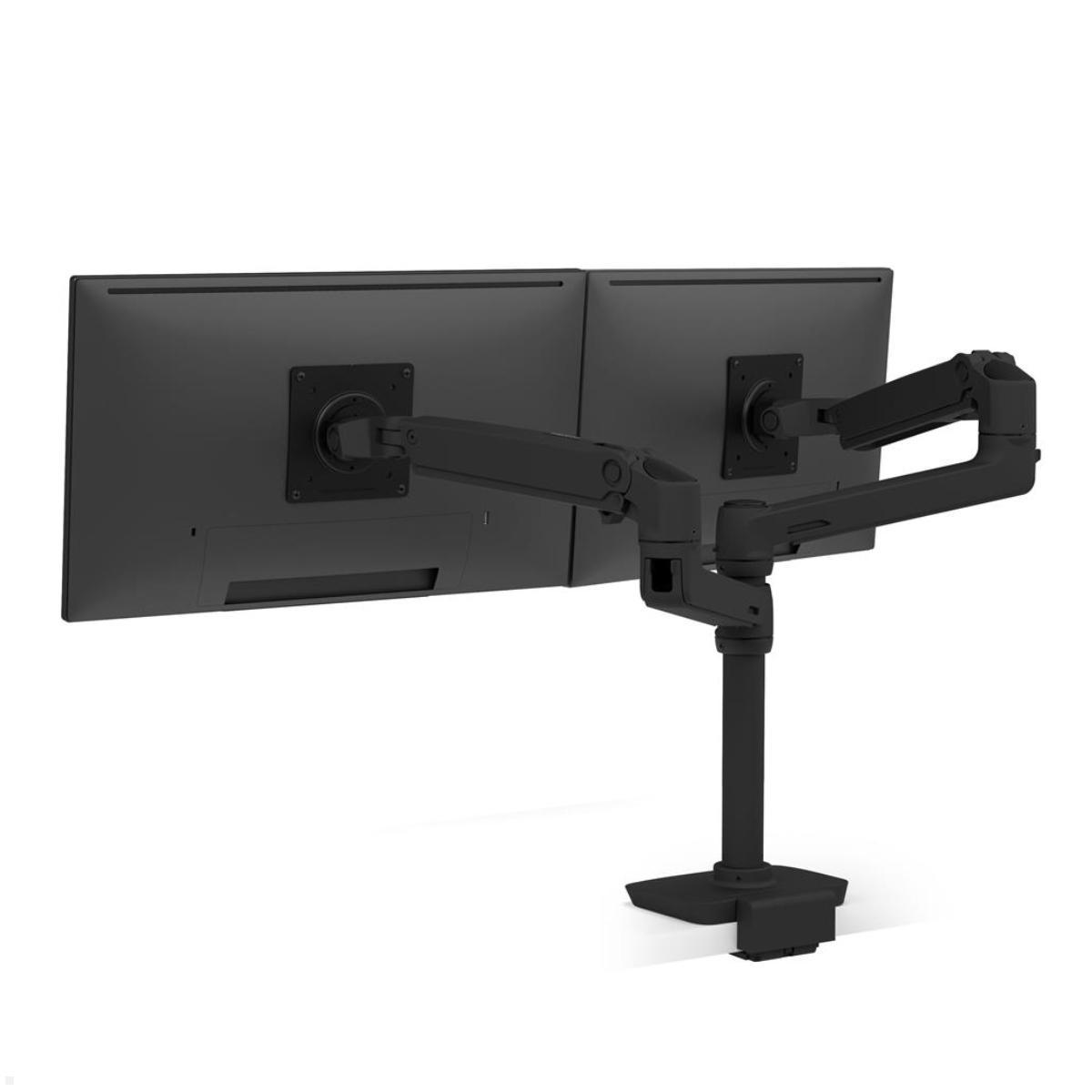
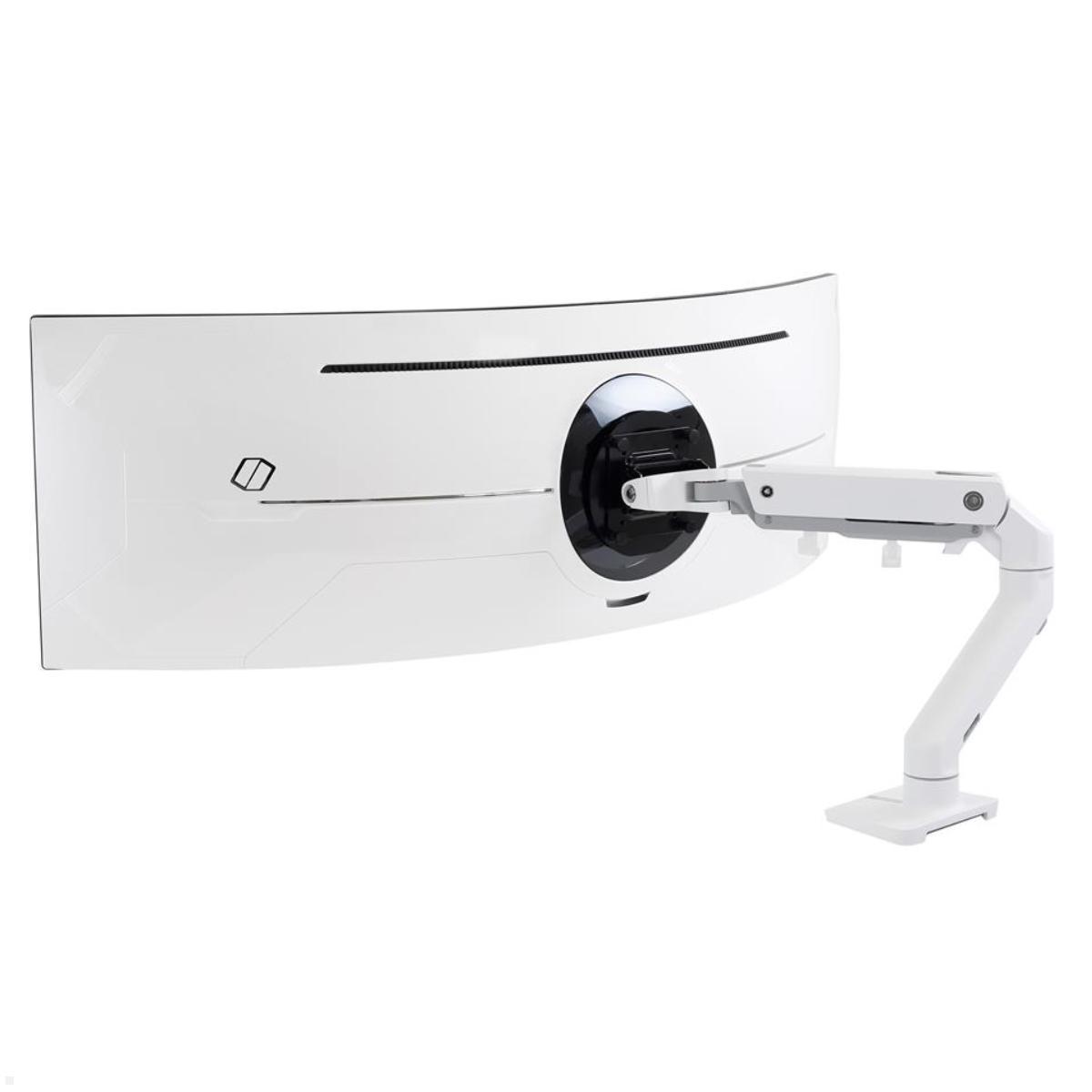

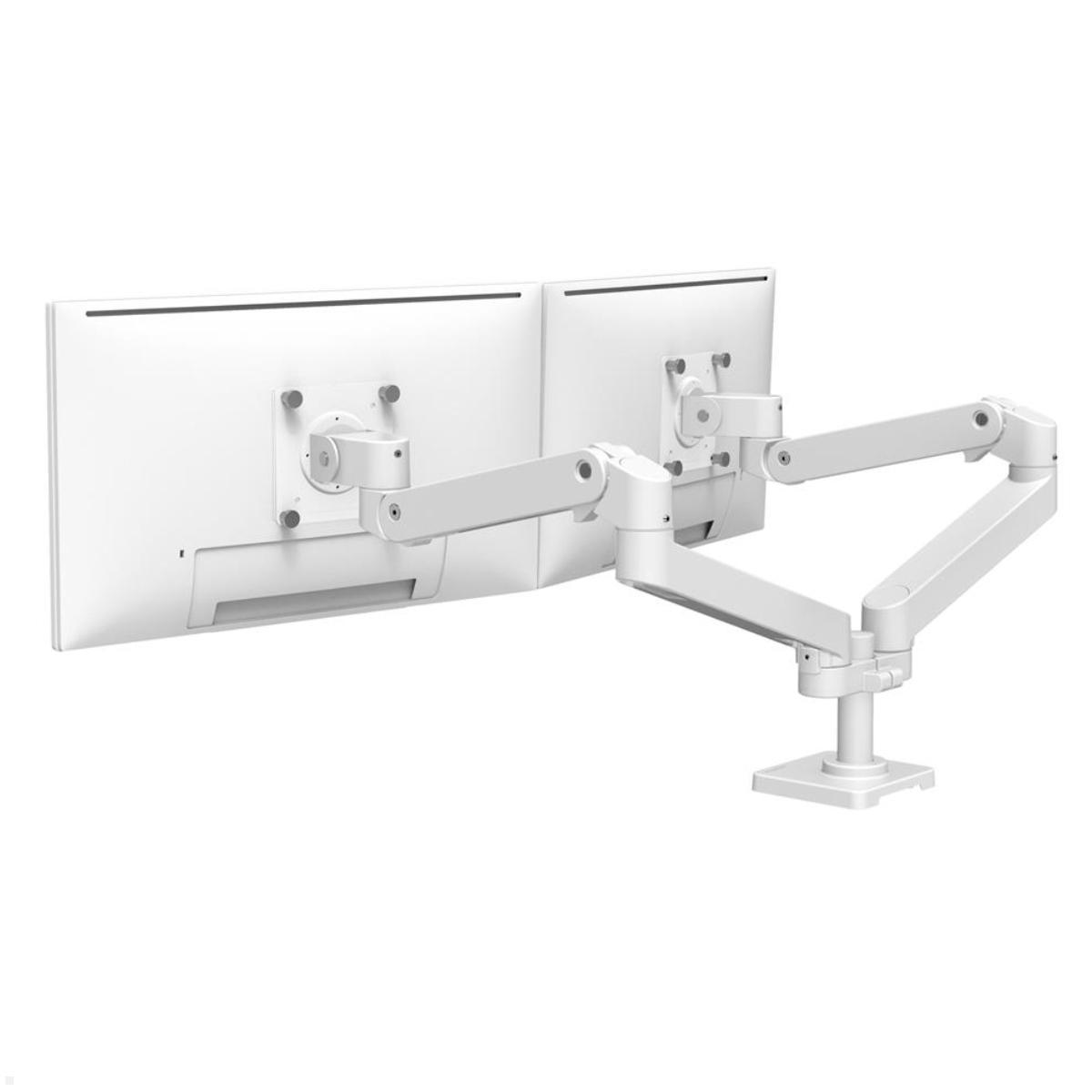
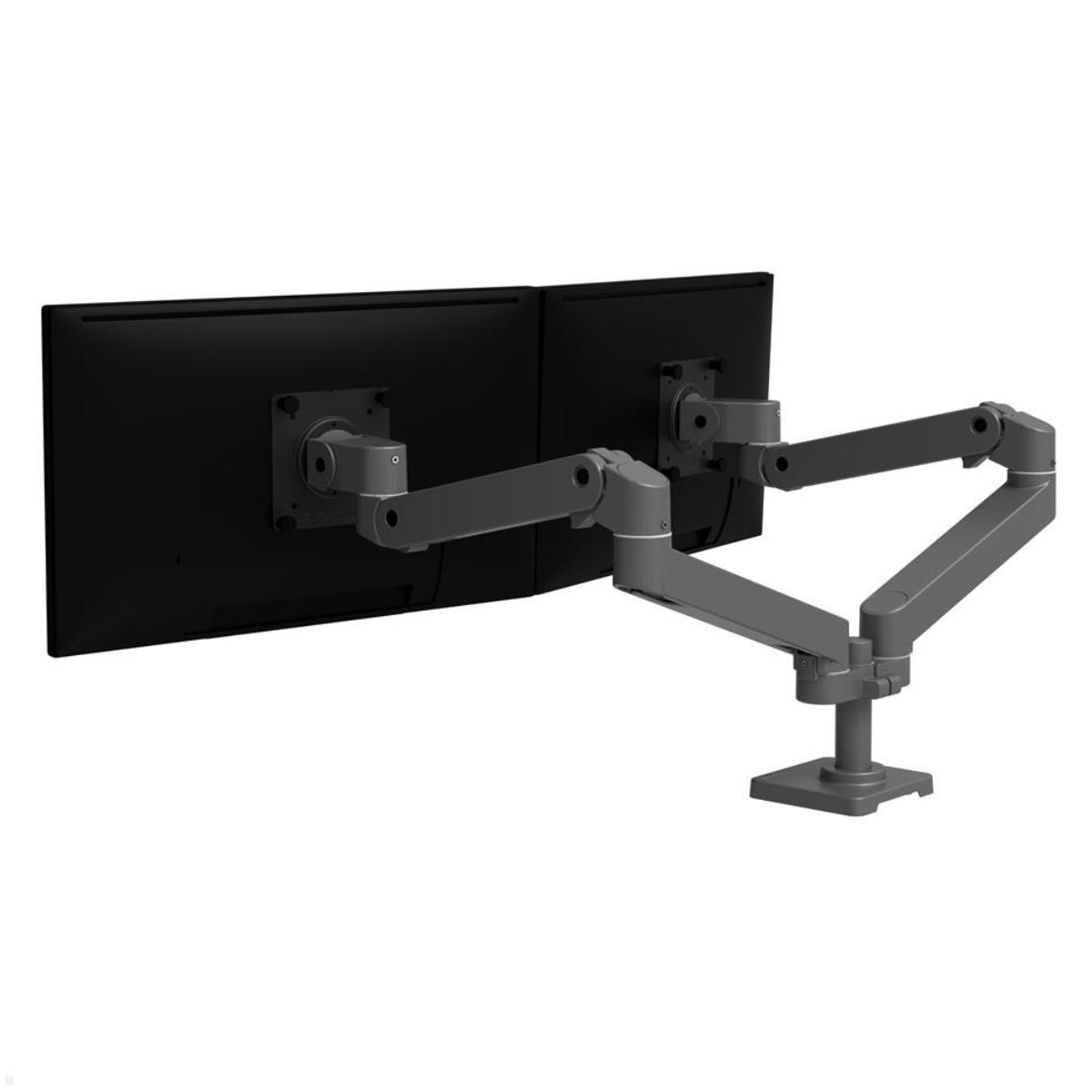
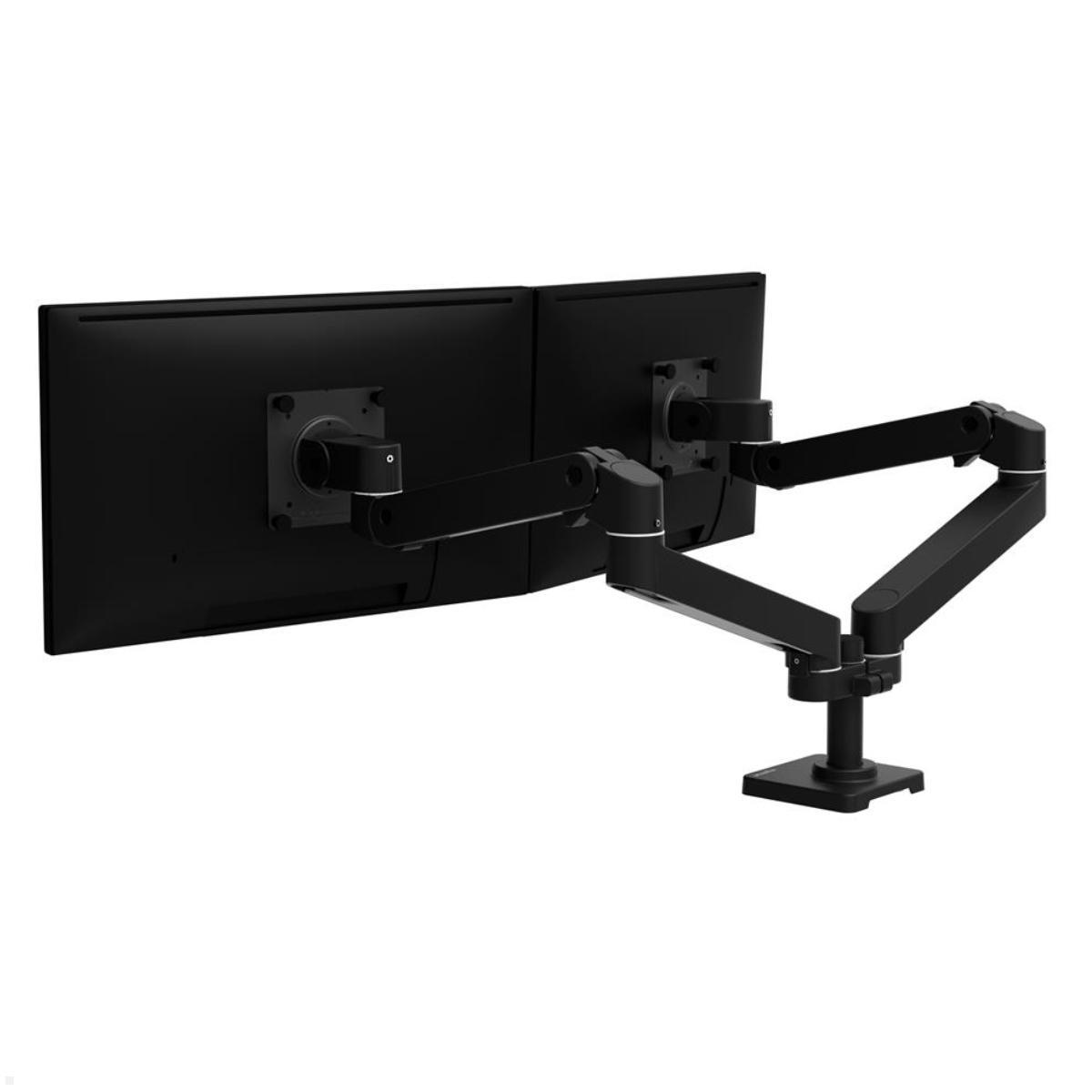
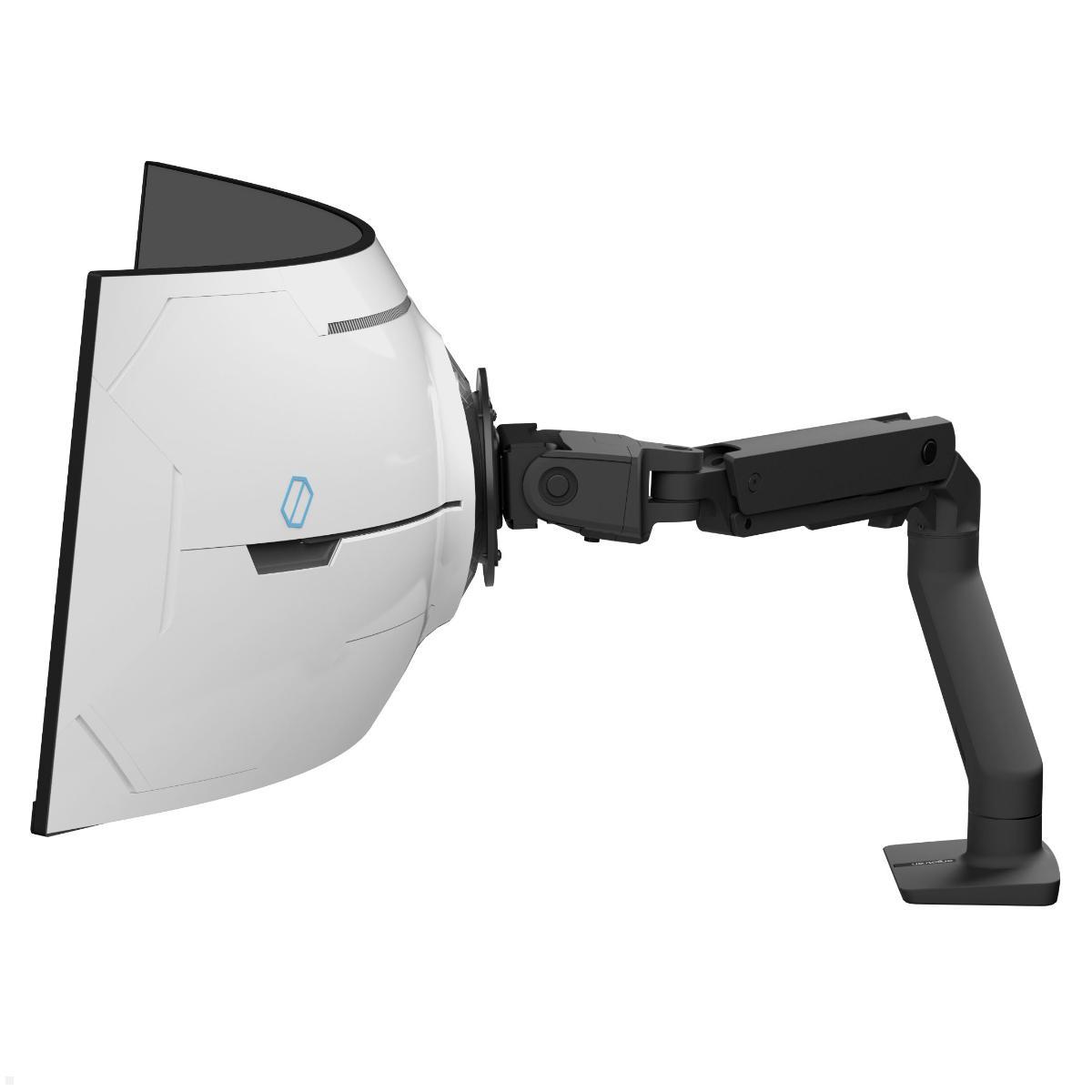
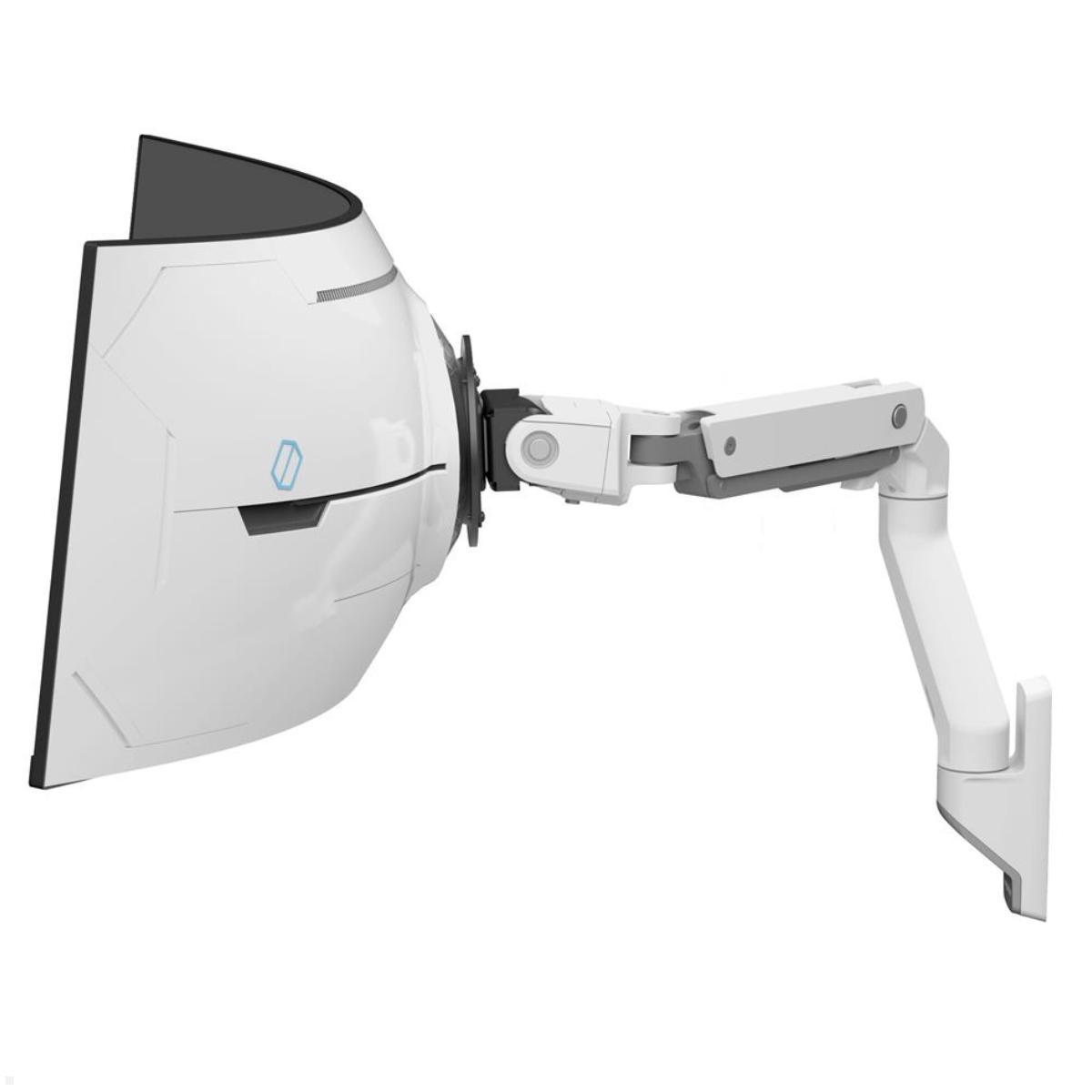
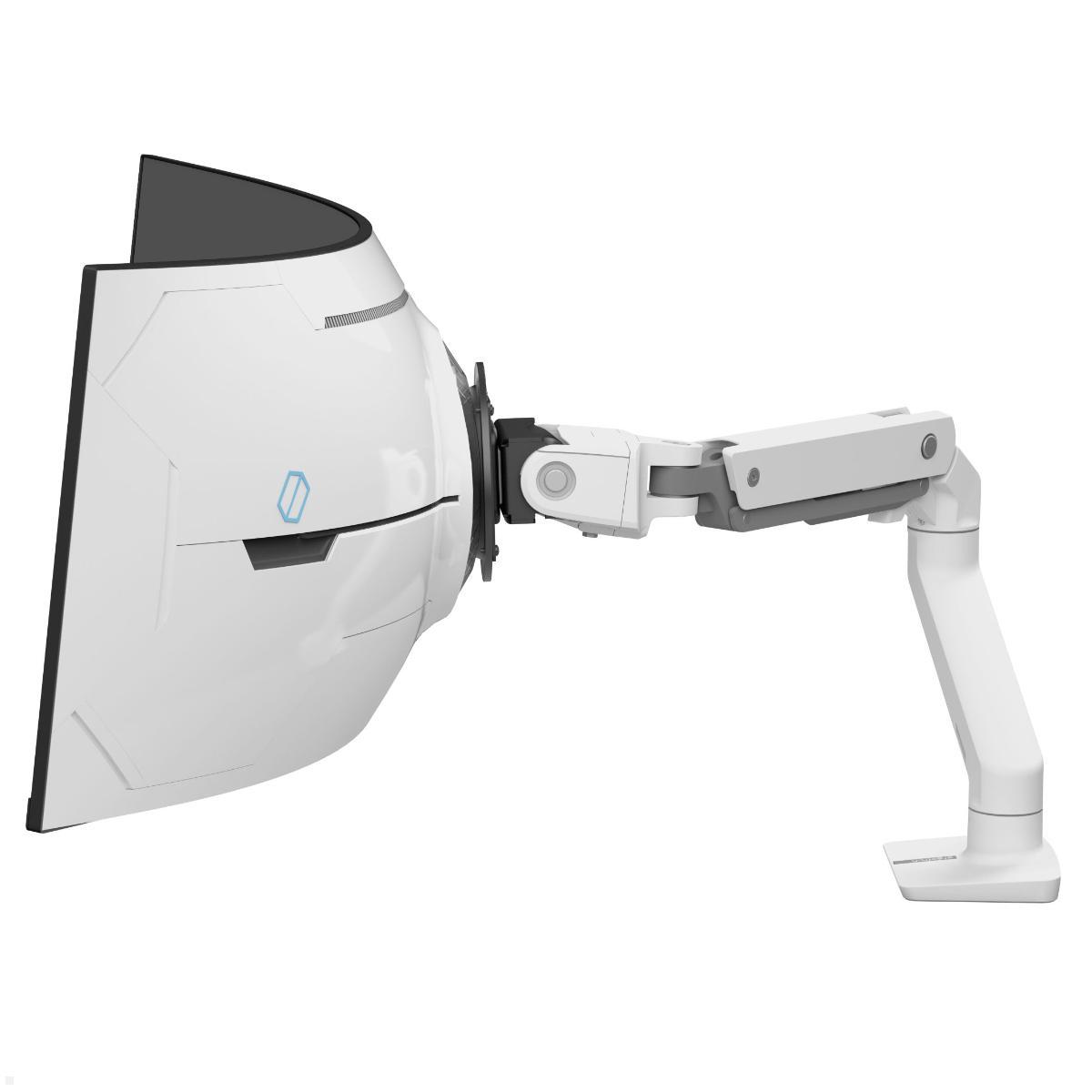


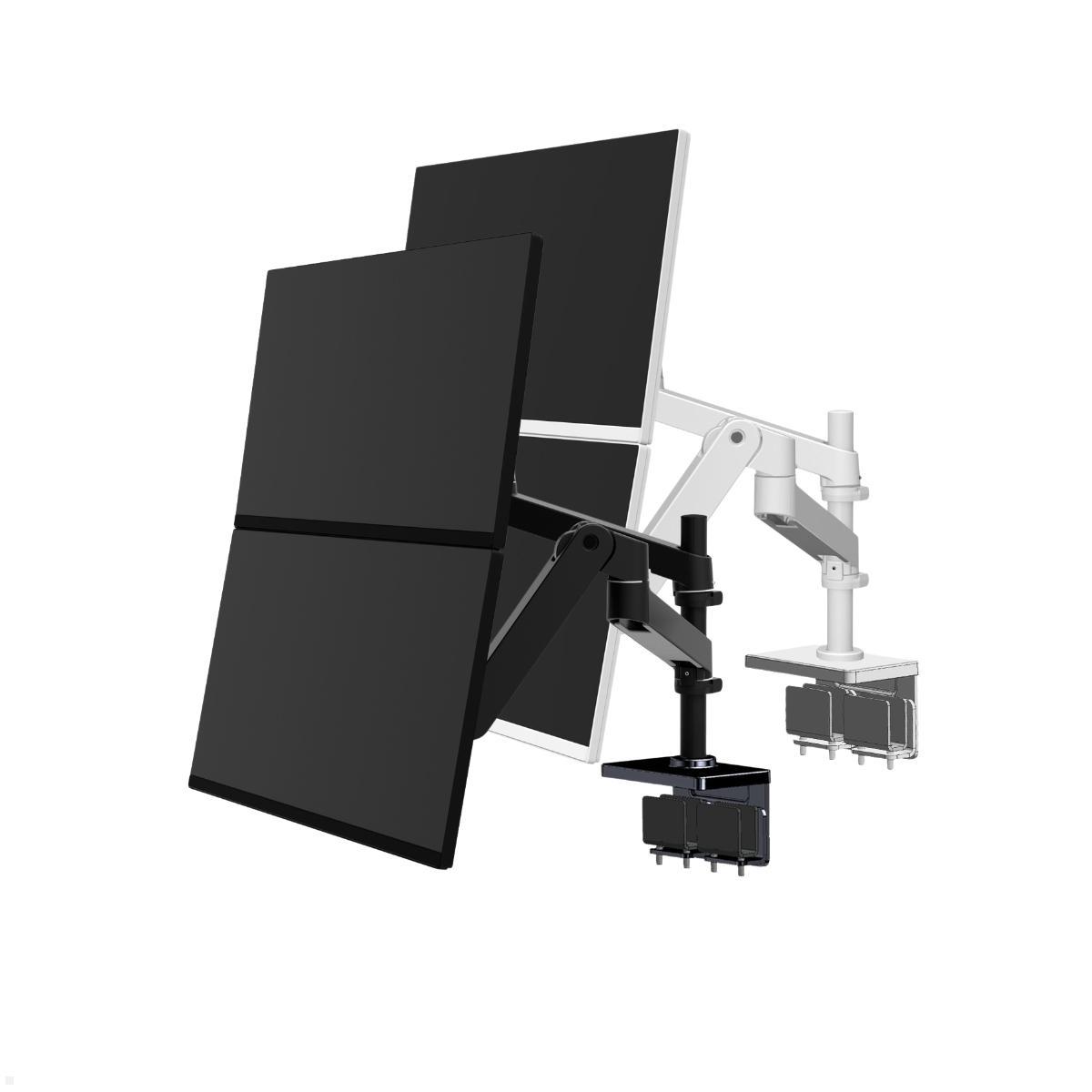


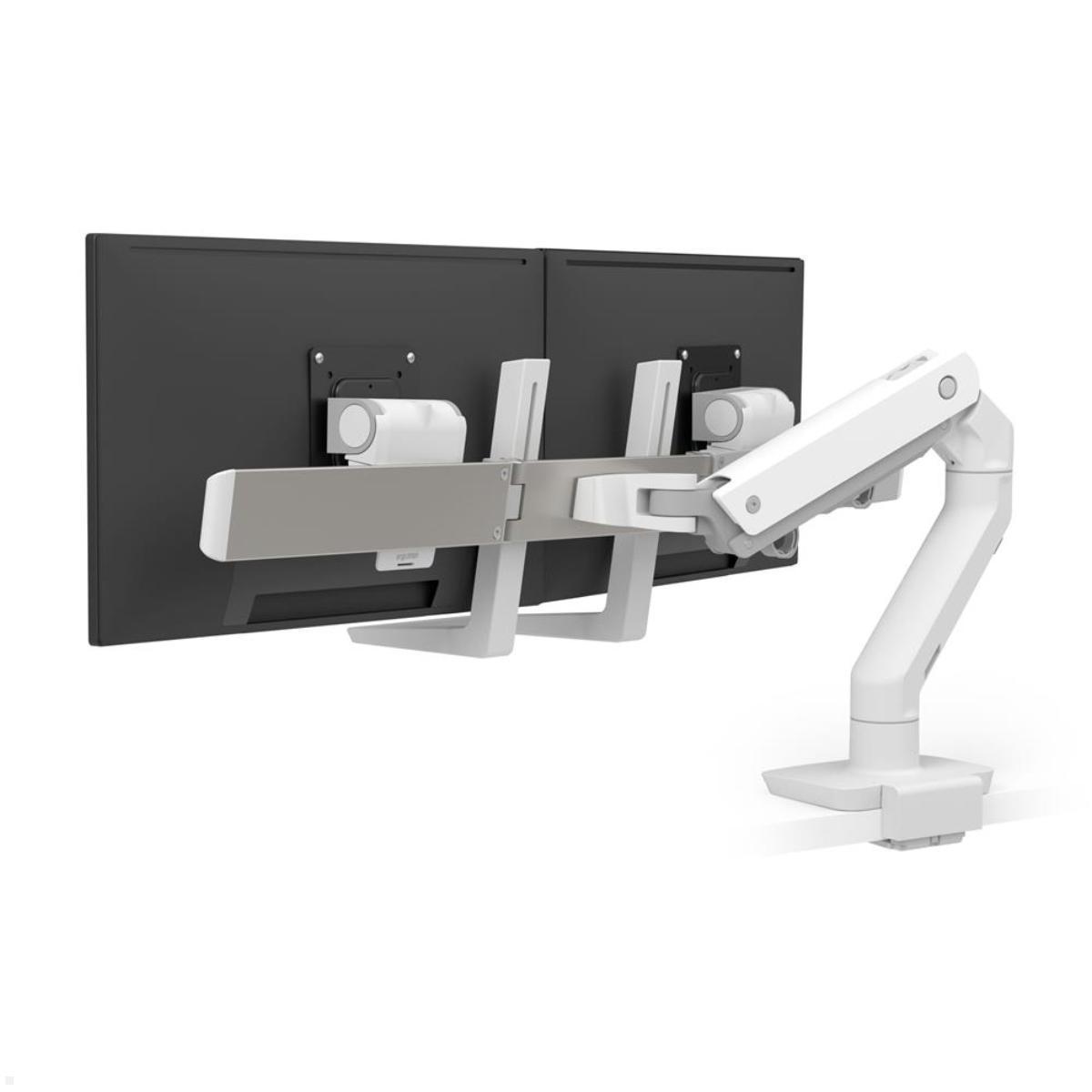
Ergotron Gaming Monitor Mounts for Flexible Gaming Setups
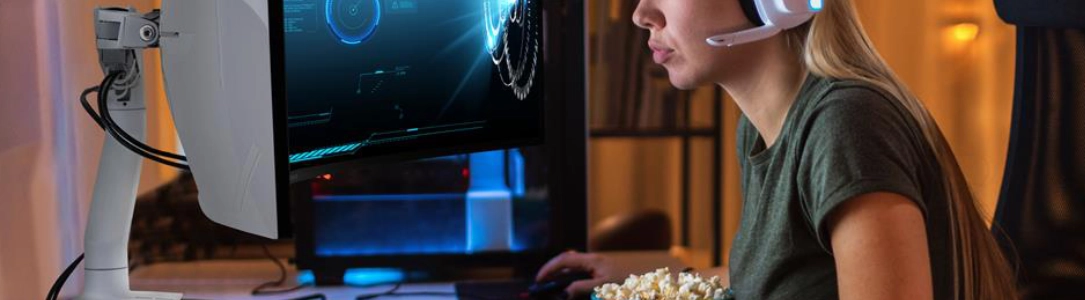
Ergotron gaming monitor mounts allow displays to be positioned flexibly at a gaming desk. Large, heavy and ultrawide monitors require mounting equipment suited to their dimensions and weight. The range includes different desk and wall mounts as well as solutions for multiple displays. Depending on the configuration, monitors can be adjusted in height, tilted, swivelled and rotated.
A gaming monitor mount replaces the conventional display stand and allows the screen to be positioned within the supported adjustment range. This helps adapt the monitor position to the seating arrangement, desk height and preferred viewing distance.
The appropriate design primarily depends on the display being used. Screen weight, dimensions, VESA mounting pattern and any requirements associated with a curved display must match the mount's technical specifications.
Gaming monitor arms for additional desk space
A monitor arm attaches to a suitable desktop and supports the display using a movable structure. It replaces the original monitor stand, which can occupy considerable desk space, particularly with larger gaming displays.
A monitor-arm creates additional room for a keyboard, mouse, controllers and other gaming equipment. Depending on its design, the display can be brought closer, moved further back or repositioned sideways.
Different mounting methods are available for desk installation. Suitability depends on the selected mount and the construction of the desk.
Desktop thickness, load-bearing capacity and required movement clearance must be checked before installation. Sufficient space may also be needed behind the desk for the intended arm movement.
Monitor mounts for curved and ultrawide displays
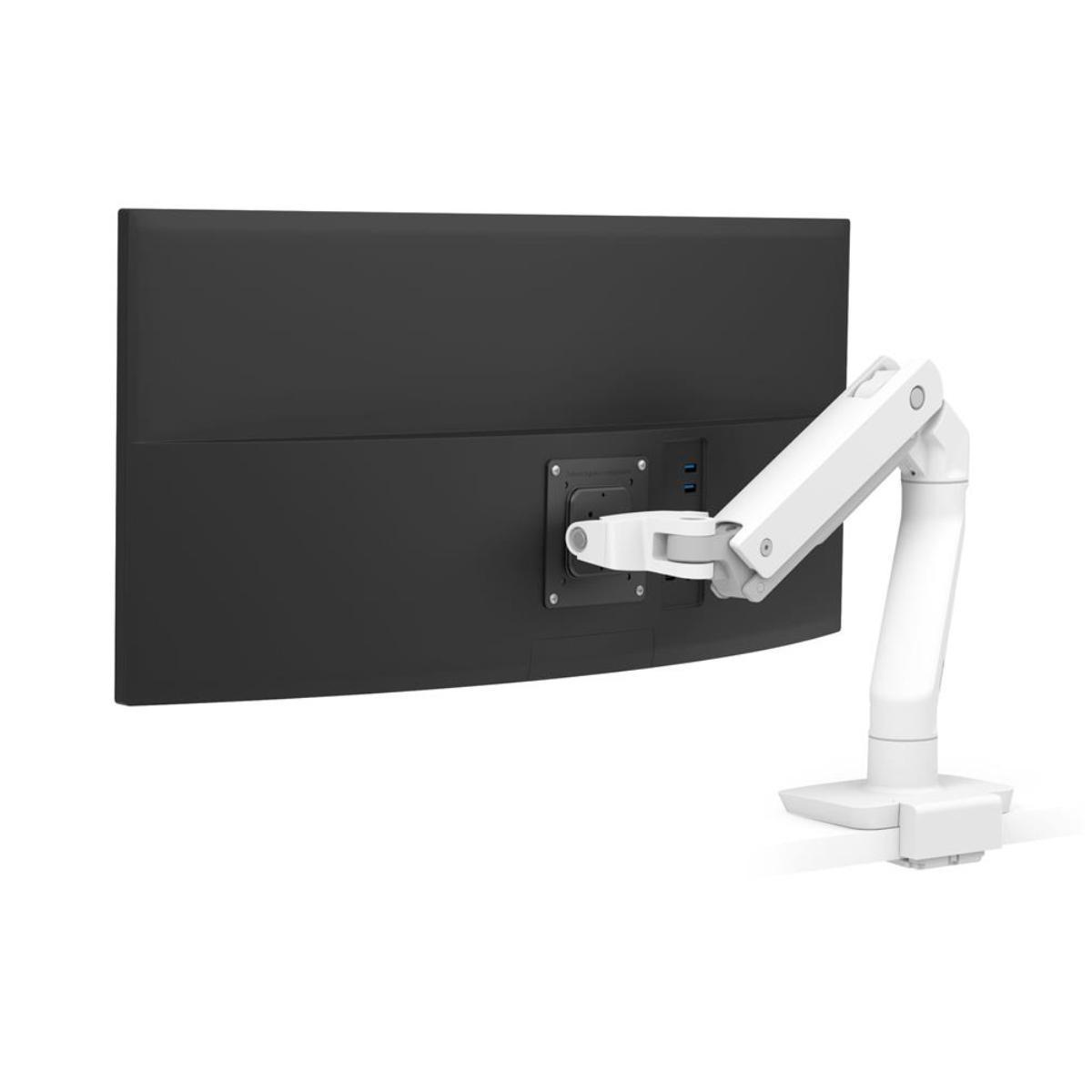
Curved and ultrawide monitors place particular demands on their mounting equipment. In addition to weight, screen width and centre of gravity affect compatibility.
An ultrawide monitor mount must therefore be suitable for the technical characteristics of the specific display. Screen diagonal alone is not enough to establish compatibility.
Ergotron offers different designs for large and heavy displays within the HX family. Selected configurations feature specialised pivots intended for demanding screen formats.
Strongly curved monitors may have additional compatibility requirements. A monitor arm that supports the stated screen weight is not automatically suitable for every curved display.
Gaming monitor mounts for two displays
A dual-monitor gaming setup can separate the main game display from additional applications. A second screen may be used for communication, streaming software or other information.
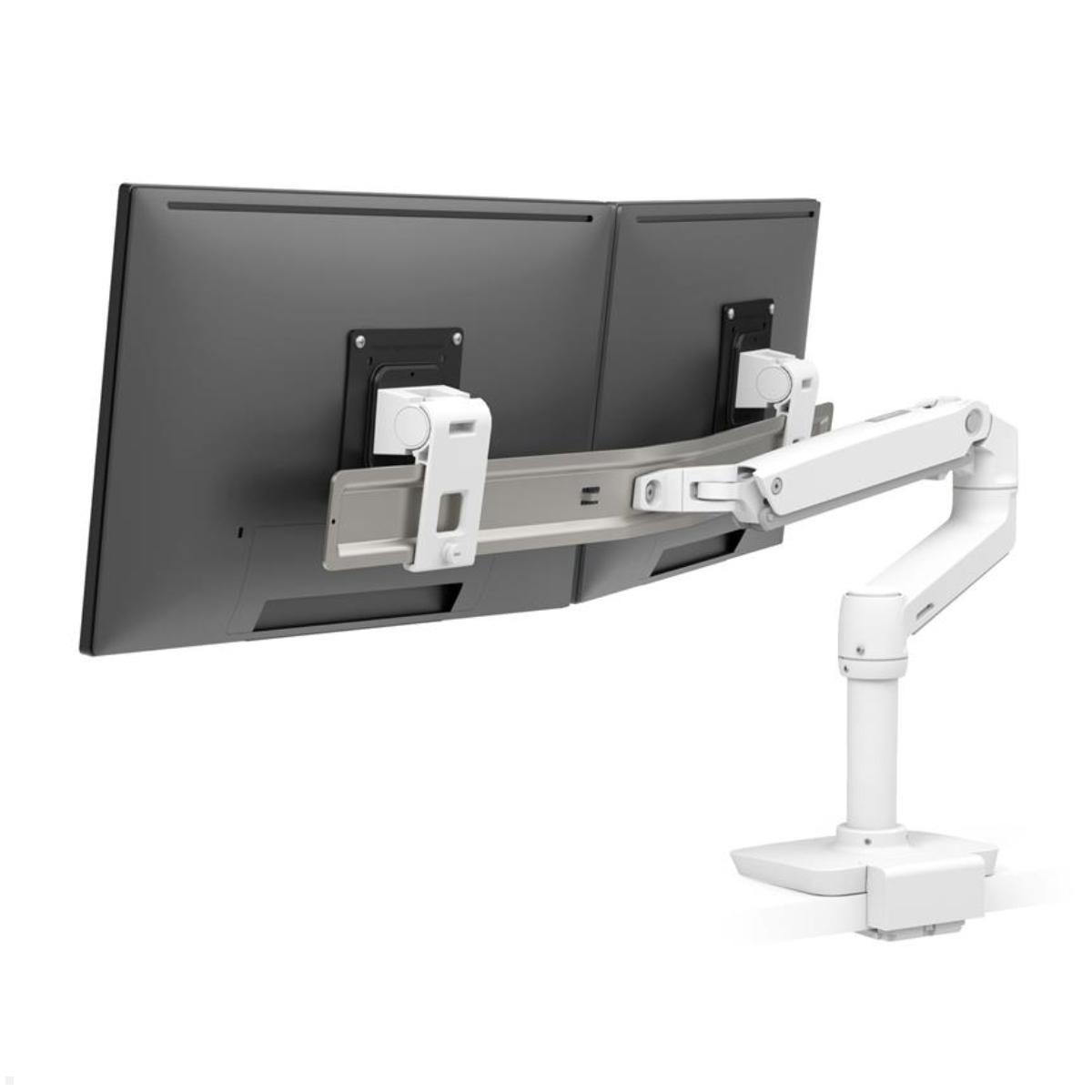
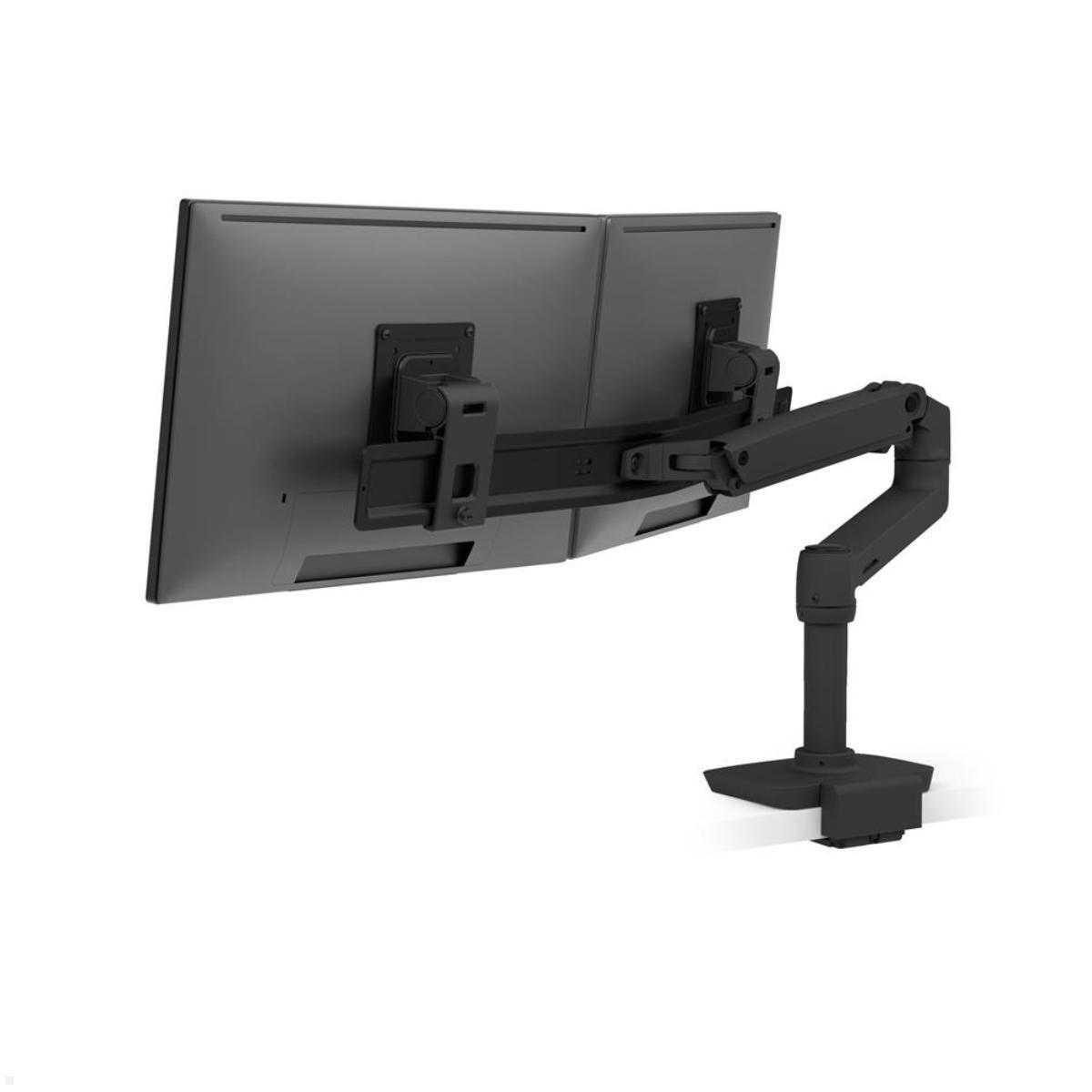
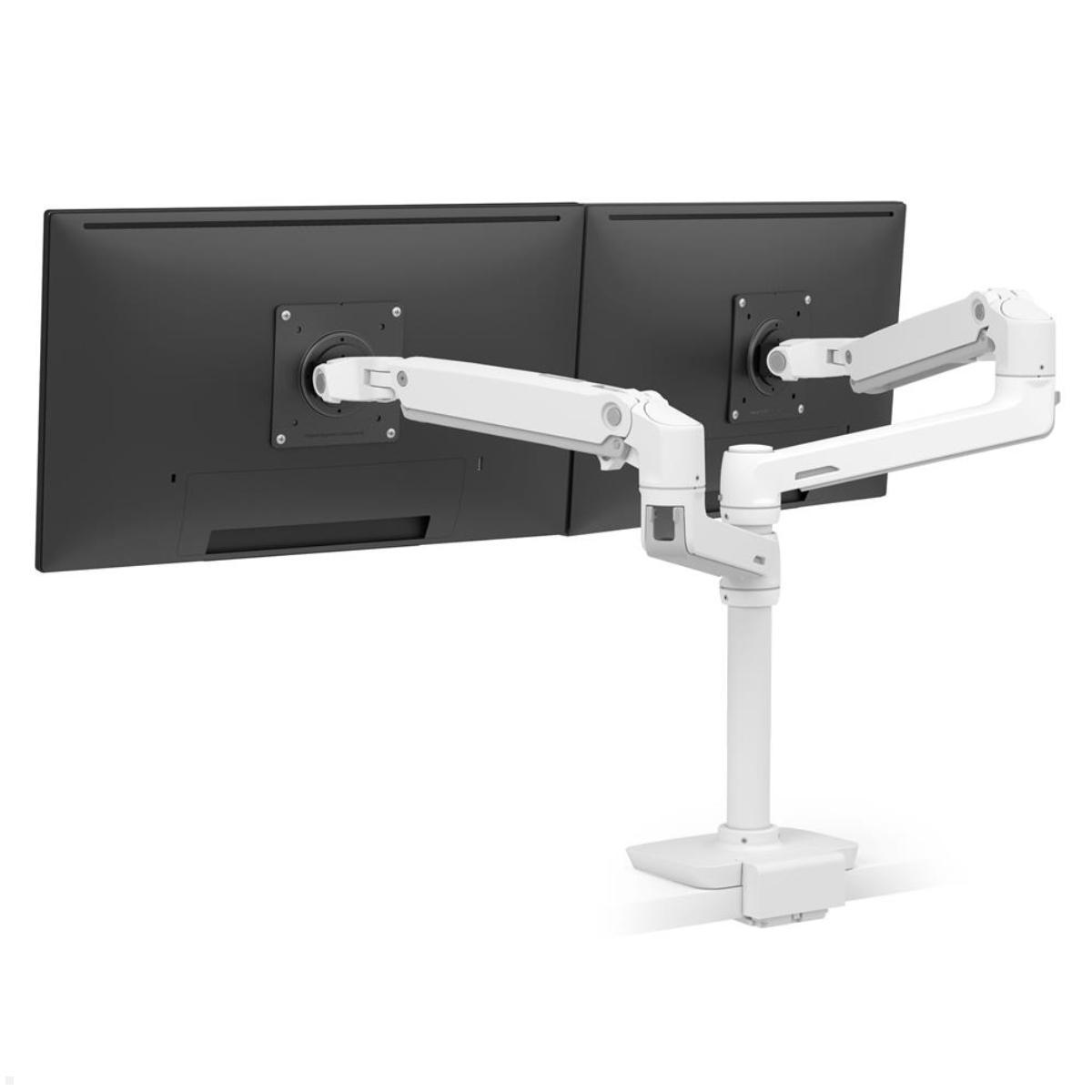
A dual-monitor mount supports two compatible displays on a shared structure. Depending on the configuration, the monitors can be positioned side by side or arranged in another supported layout.
Both displays must be considered during selection. Individual screen weights, overall width, permitted total load and available adjustment options are important.
When combining a large gaming monitor with a smaller secondary display, it is particularly important to confirm that the desired arrangement is supported by the selected mount.
Desk mounts or wall mounts for gaming?
A desk mount is suitable for gaming desks that support the intended attachment method and load. It integrates the monitor directly into the workstation.
A wall mount can be an alternative when the desk is unsuitable for clamp installation or the display needs to be mounted independently of the desktop.
Articulating wall mounts offer additional positioning options depending on their design. Wall strength, appropriate mounting hardware and sufficient movement clearance are essential considerations.
Height adjustment and cable management
The appropriate screen position depends on posture, seating height and viewing distance. A height-adjustable monitor mount allows the display to be repositioned within its supported adjustment range.
Tilt and swivel functions can also help align the display with the preferred seating position. Available movements vary between mounting designs.
Integrated cable management can help organise power and signal cables along the monitor arm. Cables must retain sufficient slack throughout the intended range of movement.
Which Ergotron gaming monitor mount is suitable?
Selection should always begin with the display itself. Weight, dimensions, VESA mounting pattern and any additional curved-monitor compatibility requirements must be checked.
Mounting method, height adjustment, swivel range and available space are the next considerations. Multi-monitor setups also require compatibility with the complete display arrangement.
Ergotron gaming monitor mounts offer different ways to configure large individual displays and multi-monitor setups. The appropriate mount combines compatible display support with the required adjustment options and an installation method suited to the gaming workspace.