


Ergotron VESA Adapters for Monitor Mounts & Displays

6 products

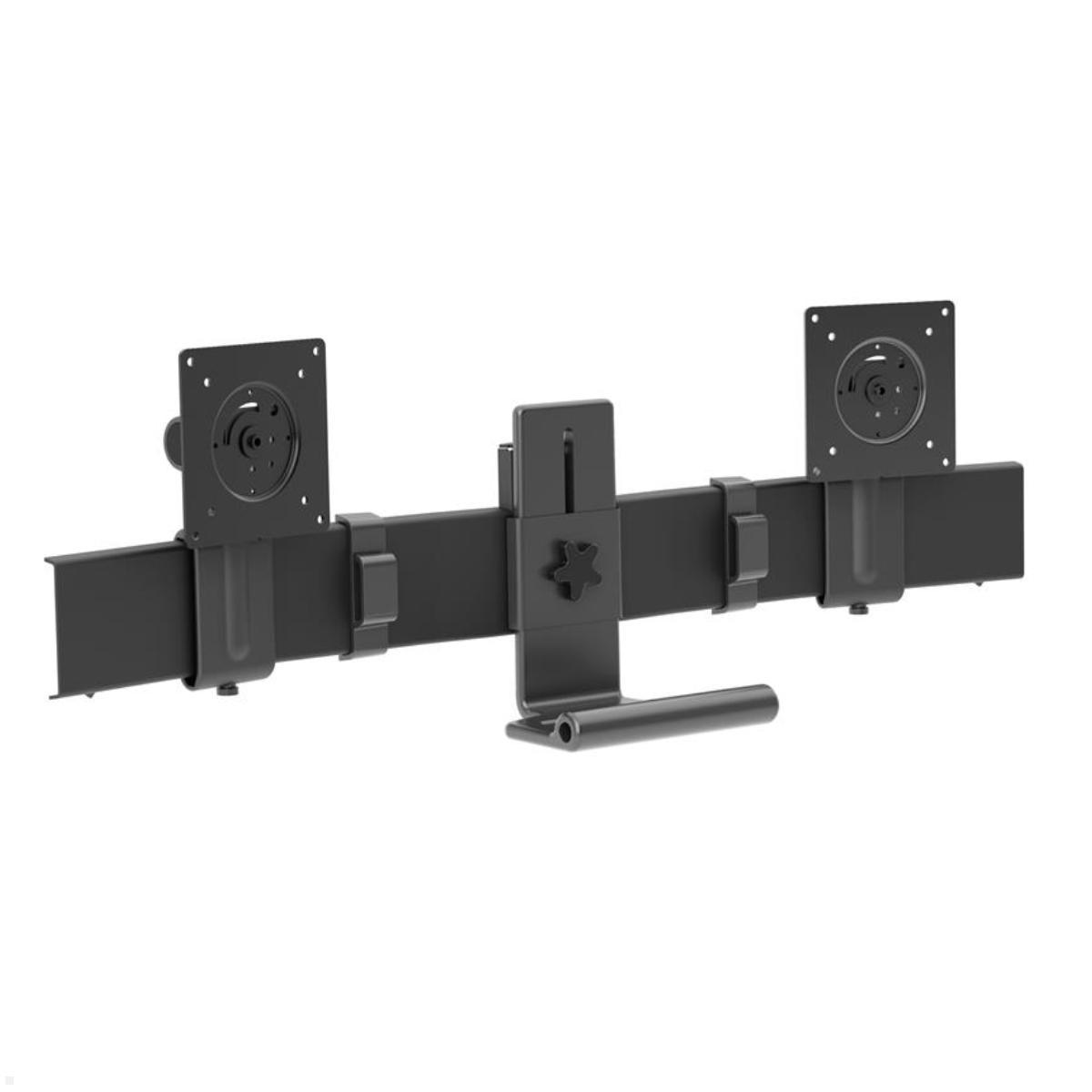
Ergotron VESA Adapters for Monitor Mounts and Displays
Ergotron VESA adapters can be used to adapt compatible monitor mounts to different displays and workstation requirements. They are useful when the VESA mounting pattern of a display does not directly match the existing mount or when a monitor solution needs to be converted for a different display configuration.
A suitable adapter provides the required connection between the display and mount or complements an existing mounting system. The appropriate solution depends on the VESA standard of the display, the existing monitor mount and the required configuration.
Adapt VESA patterns for monitor mounts
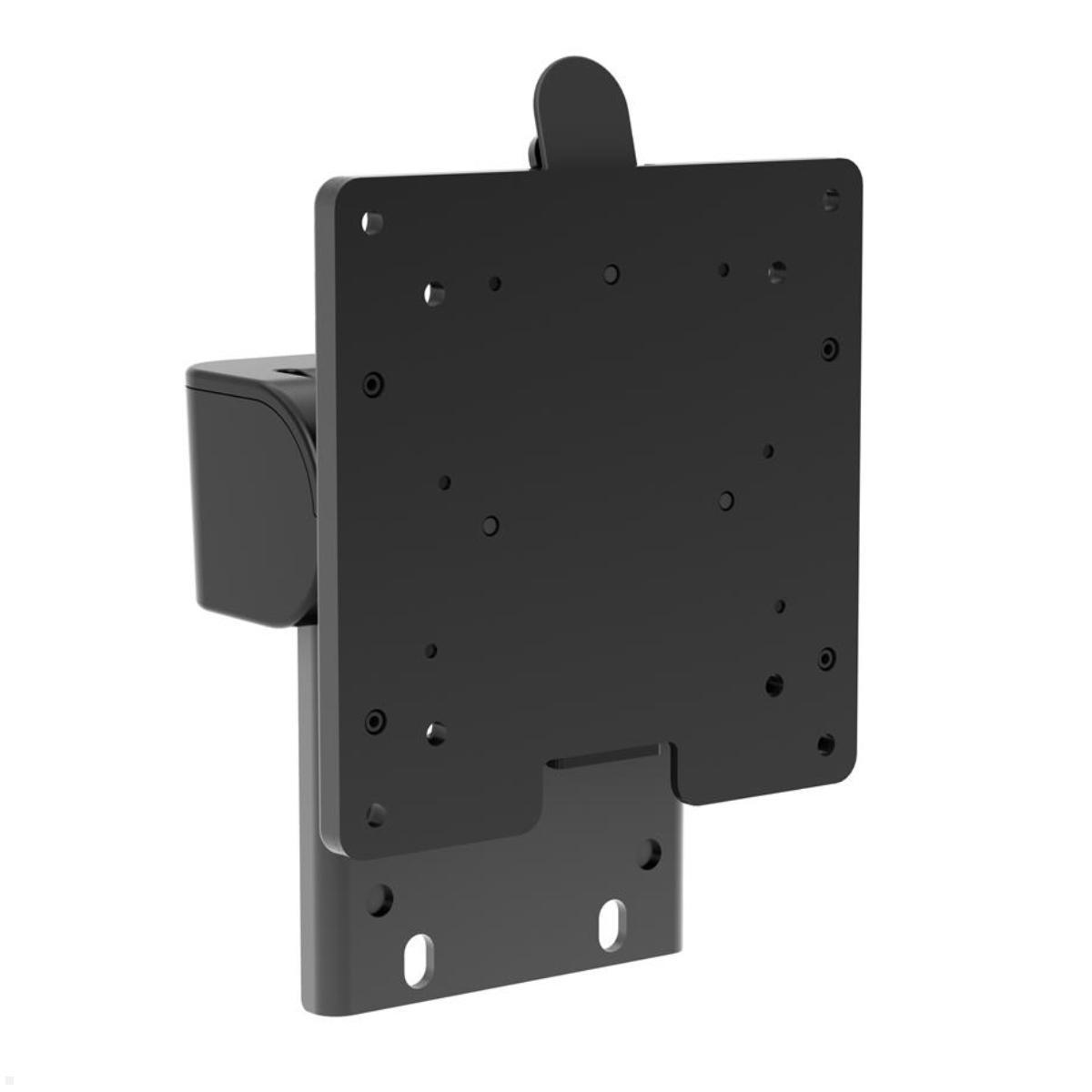
The VESA standard defines, among other specifications, the spacing of mounting points on the back of a monitor or display. If the VESA dimensions of the display and monitor mount do not correspond, a suitable adapter solution may allow them to be combined.
An adapterplate extends or changes the available mounting points. This allows selected displays to be used with a monitor mount whose original interface has a different VESA pattern.
The VESA standard of the display and the supported VESA dimensions of both the monitor mount and adapter should always be checked before installation.
VESA adapters for larger displays
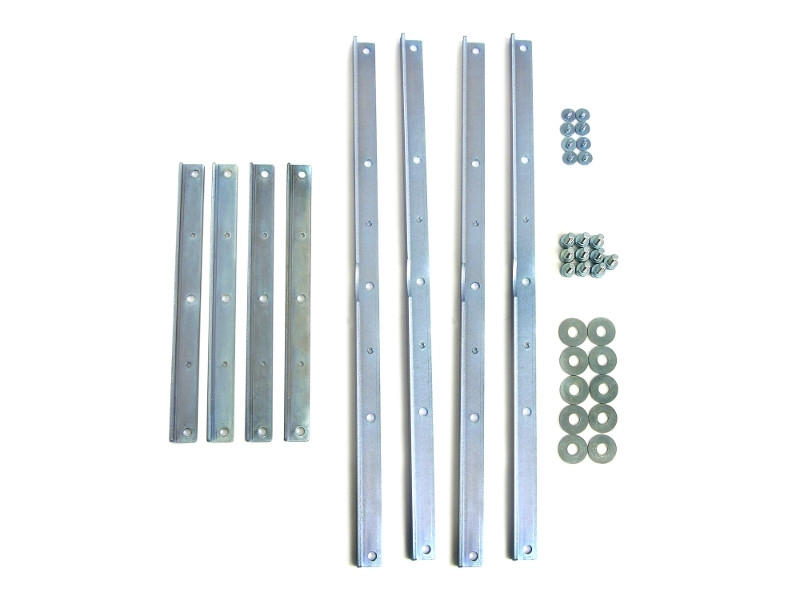
Larger monitors and displays often use wider VESA mounting patterns than conventional office monitors. Compatible Ergotron mounts can be combined with suitable adapters that extend the existing interface to accommodate larger VESA dimensions.
This can allow a suitable mounting system to accommodate a display with mounting points positioned further apart.
The permitted load of the complete mounting system must always be considered in addition to the VESA dimensions. A matching VESA pattern alone does not automatically mean that a display and mount are technically compatible.
Adapters for single and dual-monitor configurations
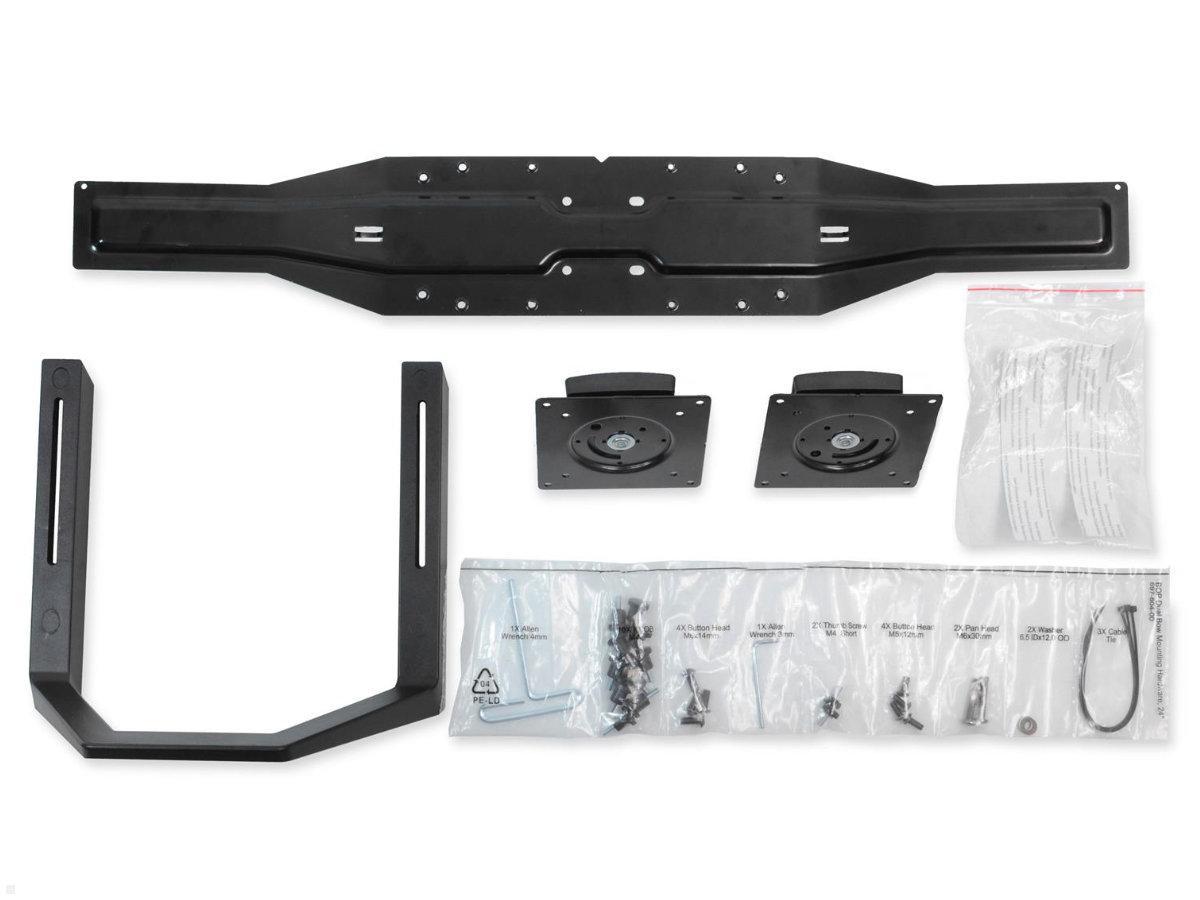
The category also includes adapters for changing the display configuration of selected monitor mounts. Compatible systems can, for example, be adapted between single- and dual-monitor arrangements.
A suitable monitoradapter does not simply change the VESA pattern but modifies the display interface of the particular mounting system.
Whether such a conversion is possible depends on the existing Ergotron series and the configuration of the monitor mount.
Spacers for display installation
Some installation situations may require an additional spacer. This creates a defined distance between components of the display mounting system and can make installation possible or easier with compatible configurations.
Spacers should only be used according to their intended compatibility. The construction of both the existing mount and display must be considered.
VESA as an interface for different accessories
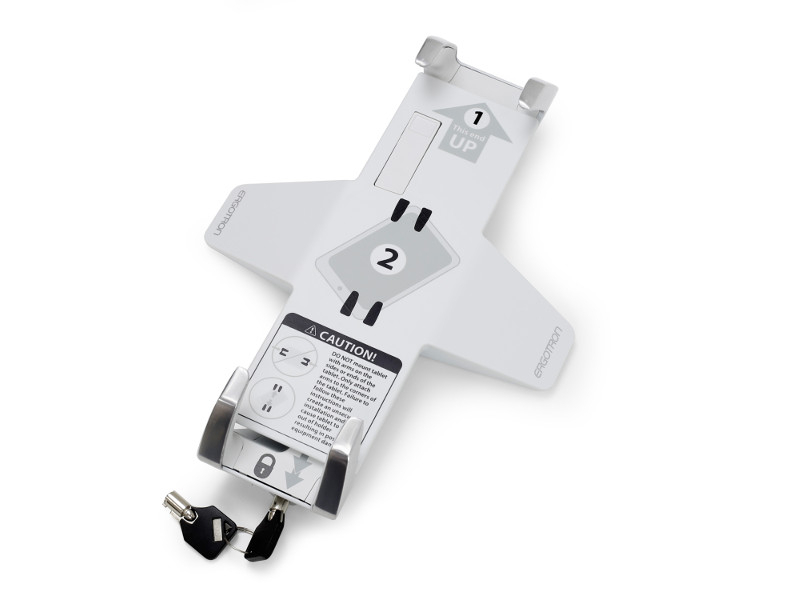
The VESA interface is not limited to conventional computer monitors. Other equipment can also be integrated into a compatible VESA mounting system using suitable accessories.
A compatible interface therefore provides additional options for adapting existing monitor mounts or workstation systems to different devices and applications.
Compatibility between the mount, accessory and intended equipment should always be confirmed before installation.
Check VESA dimensions before selecting an adapter
Before purchasing a VESA adapter, the mounting dimensions on the rear of the display should be identified. The VESA interface of the existing monitor mount can then be compared with the dimensions supported by the adapter.
Display weight and dimensions as well as the technical limits of the monitor mount must also be considered.
Which Ergotron VESA adapter is suitable?
The existing display and Ergotron monitor mount are the key considerations. If their VESA interfaces do not correspond directly, a compatible adapter may provide the required connection.
For adapters designed to change between single- and dual-monitor configurations, the exact series of the existing mounting system is particularly important. This makes it possible to select the appropriate adapter for the particular monitor and workstation configuration.