


Ergotron Mounting Accessories for Monitor Mounts
7 products

Ergotron Mounting Accessories for Monitor Mounts and Workstations
Ergotron mounting accessories can be used to install, adapt and extend compatible monitor mounts and workstation systems for different installation environments. The range includes components for desk and wall installations as well as accessories for adapting existing mounting systems.
Suitable accessories help configure an Ergotron solution for the particular workstation and installation requirements. The appropriate component depends on the existing monitor mount, required mounting method and workplace configuration.
Mounting accessories for desk installations
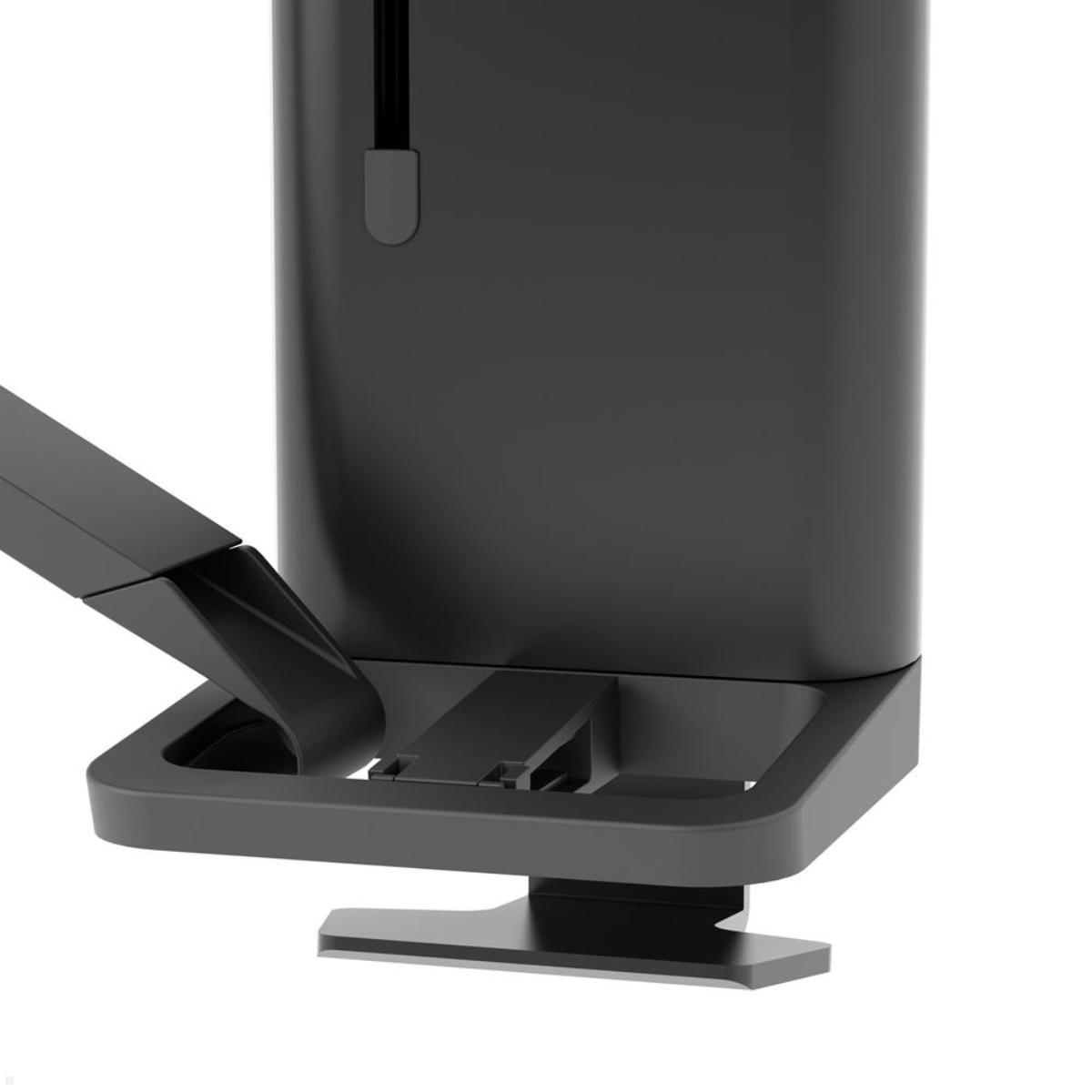
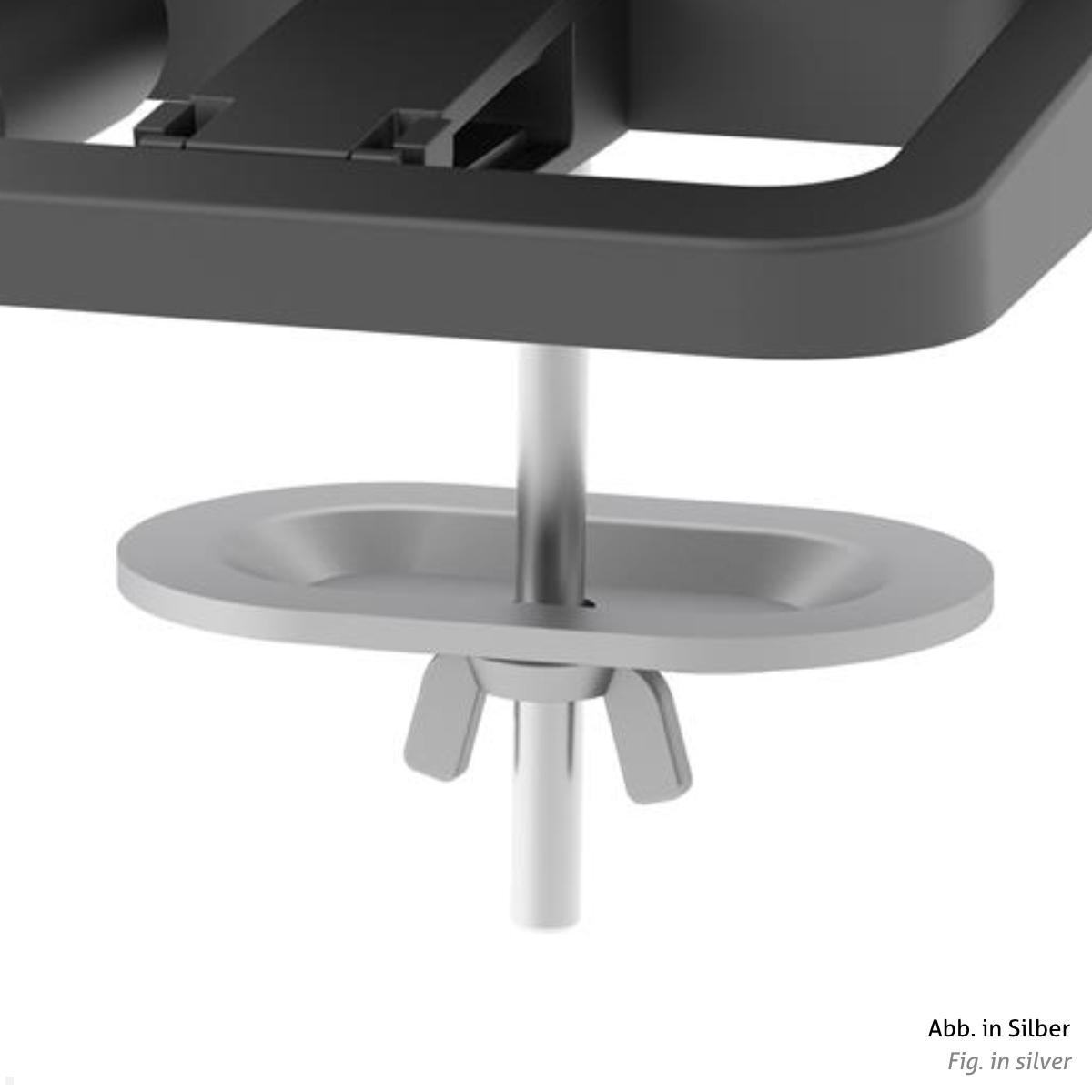
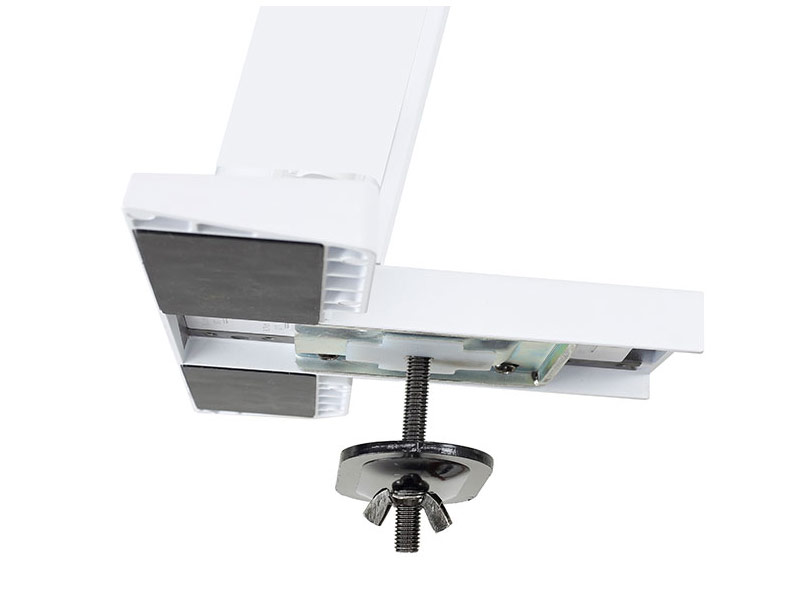
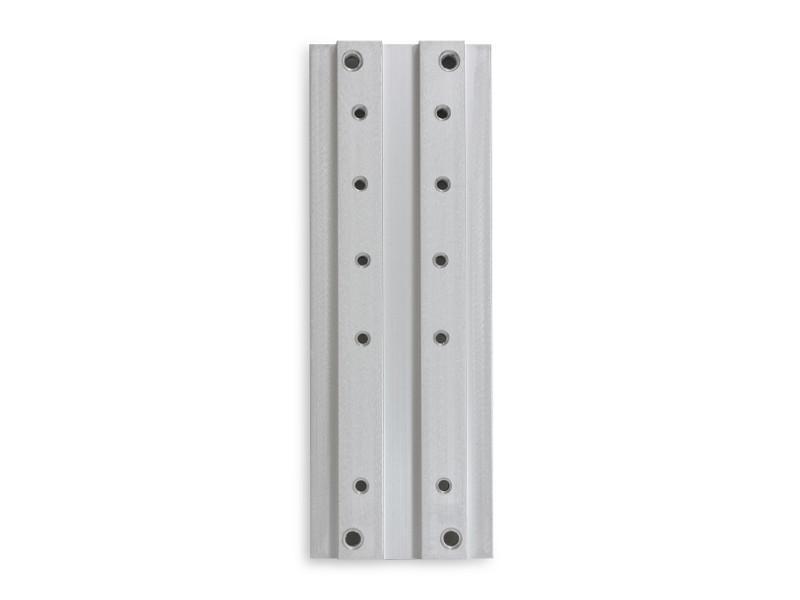
Many monitor mounts are installed directly on a desk. Depending on the system, different components can be used for this purpose. In addition to clamp-based solutions, mounting plates or grommet mounting components may be suitable.
A compatible plate provides a secure connection between the workstation and the relevant mounting system. The appropriate mounting method depends on factors such as desktop construction, thickness and the existing monitor mount.
The technical specifications of the particular components should therefore be checked before installation.
Adapters for different installation requirements
Adapters allow selected monitor mounts to be configured for a particular installation situation. They can form part of a desk mounting solution or provide a connection between different components within a mounting system.
A suitable adapter should always be selected specifically for the existing system. Mounting components are not universally interchangeable between all Ergotron monitor mounts.
The exact series and configuration of the existing mount should therefore be identified before selecting an adapter.
Columns for monitor mounts
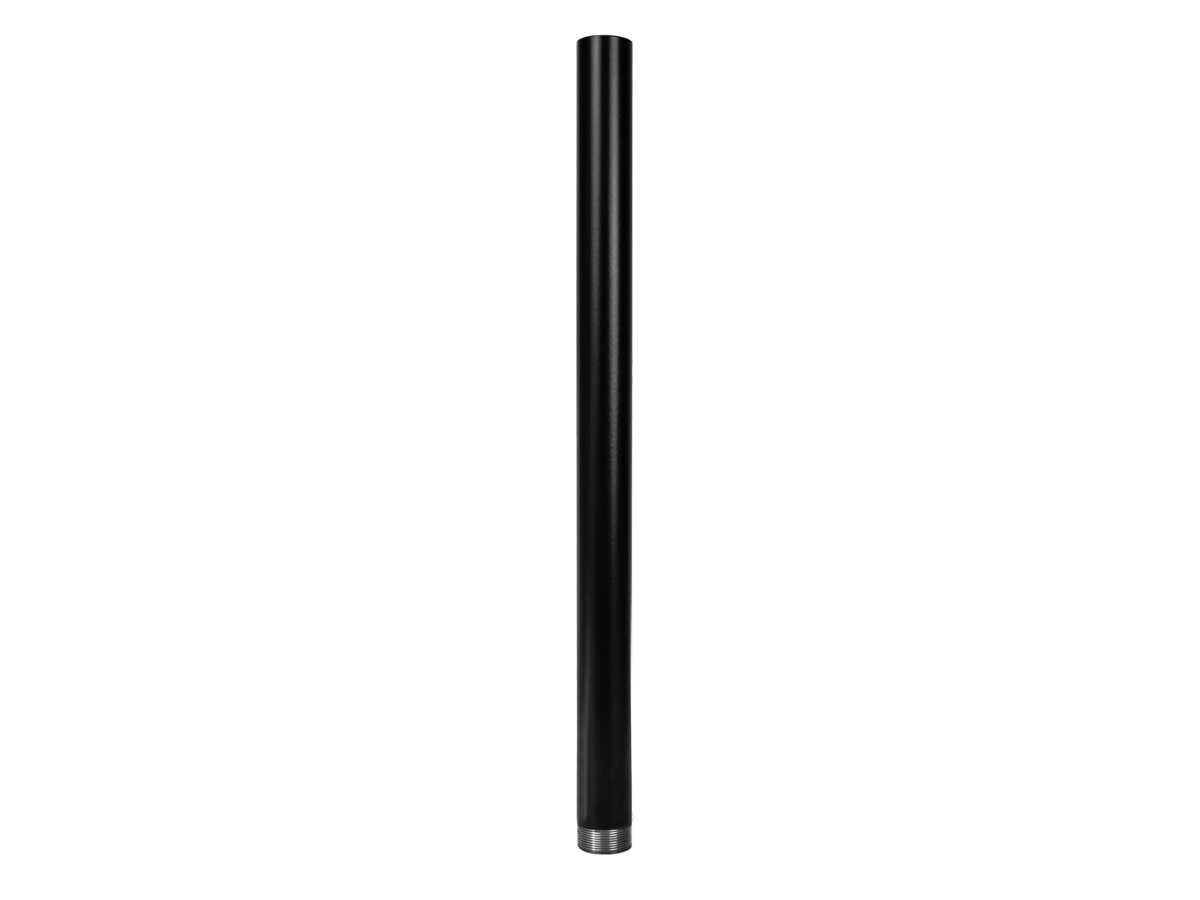
Columns can also form part of a monitor mounting system. A compatible column provides an attachment point for suitable components of a desk-mounted solution and allows them to be positioned according to the intended configuration.
Depending on the workstation, a different column height may be required or preferred. The column, mounting hardware and monitor arm must be technically compatible with each other.
In addition to Ergotron accessories, this category may also include compatible components from other manufacturers.
Mounting accessories for wall tracks
Suitable mounting components are also available for workstations based on wall track systems. A compatible wallset provides the connection between appropriate components and the existing wall track.
Wall track systems can be particularly useful where monitors or other workstation equipment need to be installed independently of a desk surface.
Both the specifications of the mounting system and the construction and load-bearing capability of the wall must be considered during installation.
Mounting accessories for workstation expansion
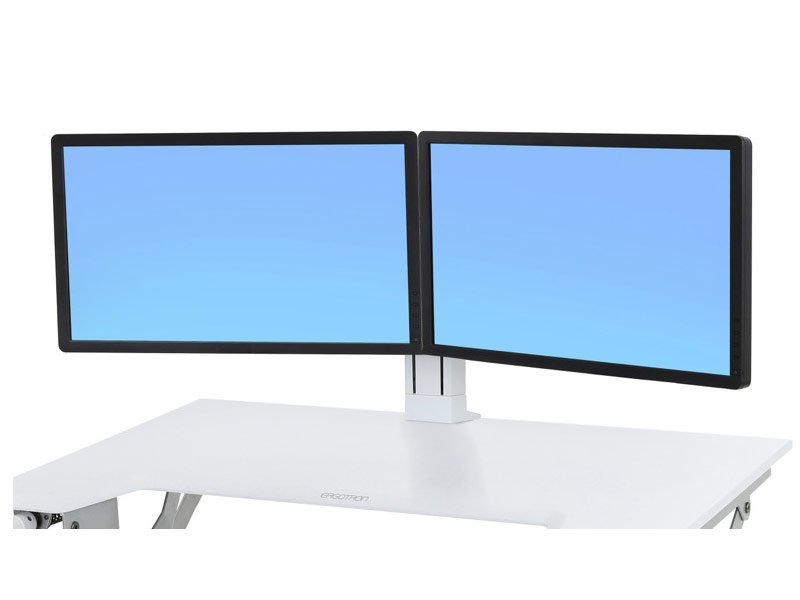
Mounting accessories can also help adapt the functionality of an existing workstation. Depending on the system, suitable components may allow the monitor arrangement to be modified or additional display positions to be created.
Before making an expansion, compatibility with the existing monitor mount should be confirmed. The technical specifications of the mounting system must be observed, particularly when additional displays are added.
Select mounting components for the existing system
Ergotron monitor mounts differ in their construction, installation methods and accessory interfaces. Mounting components are therefore not automatically universal.
The exact product series or model of the existing mount should be identified before selecting accessories. Compatible adapters, plates, columns or other mounting components can then be chosen accordingly.
Which Ergotron mounting accessories are suitable?
The existing monitor mount and intended installation should be considered first. Different components may be required depending on whether the mount is being installed on a desk, attached to a wall track or adapted with additional hardware.
System compatibility is essential, while desktop construction, mounting surface and the technical requirements of the installed monitors may also need to be considered. This makes it possible to select suitable mounting accessories for the particular workstation.